
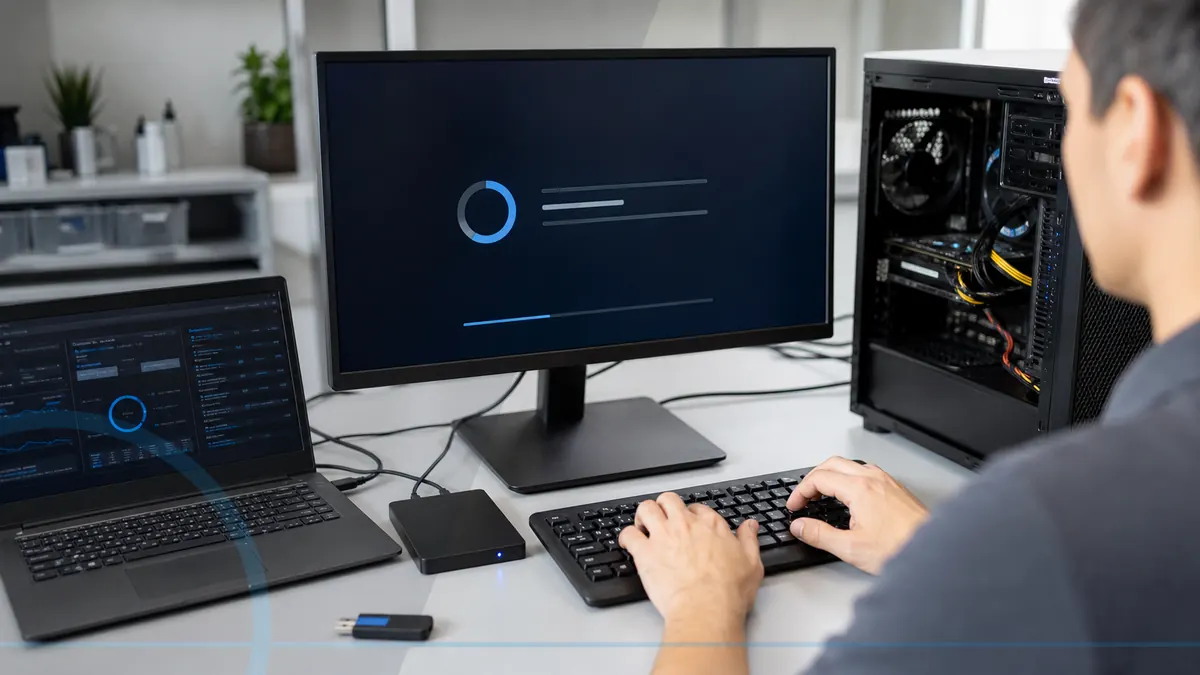
A broken Windows installation does not always need to be erased.
Windows work begins with startup behavior, update history, storage health, user profiles, licensing, and the status of important files. Repair commands are not the first step when the drive may be failing.
Tell Leon what changed, the exact model when known, what you already tried, and whether files, accounts, deadlines, or business work are involved. That is enough to choose a useful first step.
$75–$125 Windows repair or reinstall, including diagnosis.
If Leon cannot complete the agreed fix, there is no diagnostic or repair labor charge. Parts, software, storage media, and third-party purchases are separate only when they are needed and approved.
What happens before anyone recommends a fix.
The checks change with the service, but the decision should always follow evidence, data risk, and the way the device is actually used.
Assessment of startup, updates, storage, and recovery options
Backup planning before major repair or reinstall work
Post-repair updates, drivers, account checks, and basic testing
Repair Windows or start clean?
A repair is useful when the installation is recoverable and preserves working applications and settings. A clean reinstall may be better after severe corruption, repeated failed repairs, a storage replacement, or unwanted software that has damaged trust in the existing system.
Technology help for a county that runs on connected devices.
Salem County has 24,846 households, and 94.7% report having a computer. That makes reliable local diagnosis, setup, recovery, and replacement guidance relevant to nearly every household—not a niche convenience.
Customers in Salem and surrounding towns can explain which programs, printers, and files must still work after the repair, which is essential for planning a useful result.
See the complete service-area guideBring the details that shorten the path to an answer.
- The exact computer model and its correct power adapter
- The error message, recent change, and when the problem appears
- Whether important files are backed up or exist only on this device
- Any deadline tied to school, work, records, photos, or accounts
Keep the next interruption from becoming another emergency.
Ongoing support is optional. It is useful when the device or business needs consistent maintenance, clearer ownership, or a known local contact.
Home Cyber Care after the immediate fix
After Windows is stable, Home Cyber Care can help monitor supported update and security status so neglected maintenance is easier to spot.
Explore Home Cyber CareUsing this computer for work?
For workstations, a repeatable setup checklist and managed updates can reduce inconsistent configurations across a small office.
See small business IT supportRelated services and practical guides
Keep an eligible computer protected from $39 per month.
Home Cyber Care adds managed EDR, managed antivirus, 24/7 investigation of EDR detections, update visibility, monthly reporting, and a local support relationship.
Questions people ask about Windows Repair & Reinstall
These answers are specific to this service. Exact availability, repairability, parts, timing, and price still depend on the device and diagnosis.
This completed residential service generally costs $75–$125 with diagnosis included. If Leon cannot complete the agreed covered repair, there is no diagnostic or repair labor charge. Parts and separately scoped work are discussed before authorization.
Include the exact model, symptoms, recent changes or damage, important data concerns, town, and any genuine deadline. Leon will confirm what equipment or accessories should be brought.
A clean reinstall can erase programs, settings, and data. Backup and recovery options should be discussed before destructive work, especially when the drive may be unhealthy.
Many modern computers reactivate automatically, but licensing varies. Bring any purchase records or license information for Windows and paid applications when available.
Common causes include low storage, damaged system files, driver conflicts, interrupted updates, and storage problems. The error and system health should be checked before repeating the same repair steps.