
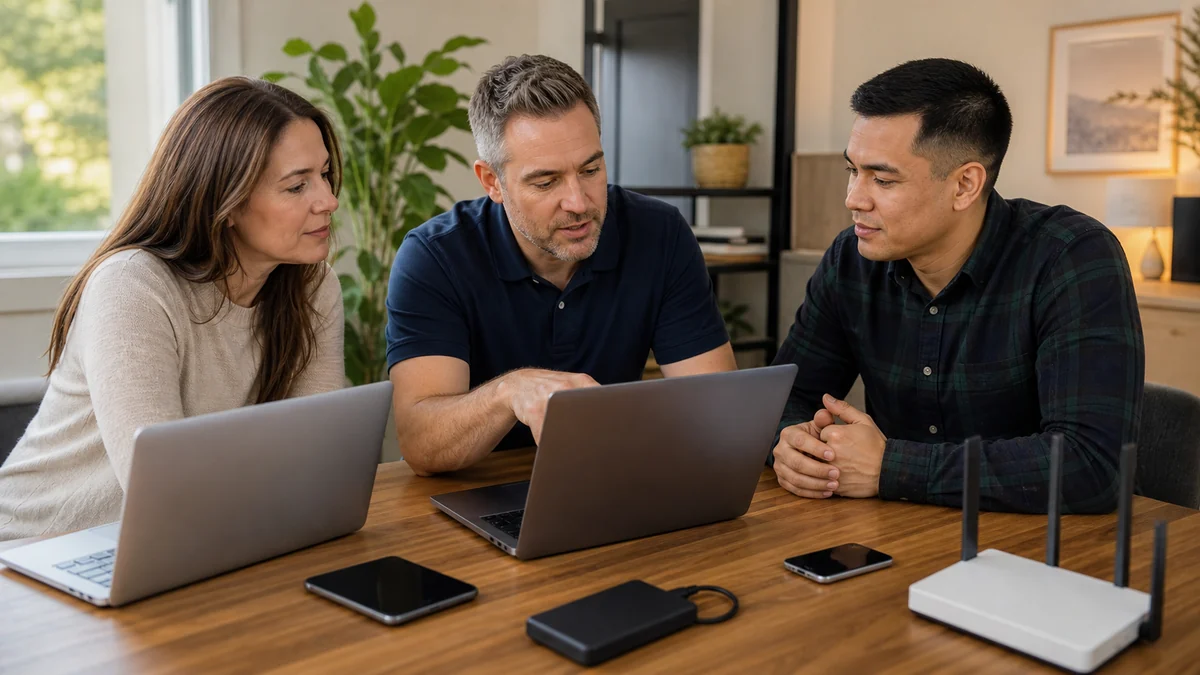
Choose the situation before choosing a product.
Homes and small businesses share security fundamentals, but the useful response changes with the people, accounts, devices, money, information, and downtime involved.
Build a calmer routine
Supported software, multifactor authentication, endpoint protection, updates, backups, and a known support contact reduce common exposure and improvisation.
Home Cyber CareSomething suspicious happened
Remote access, a fake support call, an exposed password, malware, or a payment concern needs containment and a factual timeline before cleanup.
Scam recovery helpSecurity responsibility at work
Small teams need named ownership for accounts, endpoints, updates, backups, employee access, vendors, and the first response to an incident.
Security BaselineFour priorities when a situation may be active.
Do not let a pop-up, caller, or unexpected message dictate the pace. Use independently verified contact information whenever money or accounts are involved.
Stop new access
End the call or session. Disconnect an actively controlled computer from the internet without continuing the stranger’s instructions.
Protect money
Contact the bank, card company, or payment provider through a trusted number when financial information or payment may be involved.
Secure the email account
From a separate trusted device, review the primary email password, recovery methods, active sessions, and multifactor authentication.
Preserve the timeline
Keep receipts, messages, phone numbers, screenshots, software names, and the order of events for the next support conversation.
Five responsibilities. No single magic product.
Security becomes more dependable when each layer has an owner and a repeatable check.
Protection that fits real family life.
Families, seniors, remote workers, and home offices can combine safer habits with managed EDR and antivirus, 24/7 investigation of EDR detections, monthly reports, and a local person to call.
Turn responsibility into an operating process.
Endpoint tools are only one part of the work. Accounts, backups, onboarding, vendor access, documentation, insurance questions, and response decisions also need named ownership.

Simple Computer Maintenance Checklist
A short routine helps catch neglected updates, low storage, failed backups, unusual account activity, heat, and physical wear.
Read the guide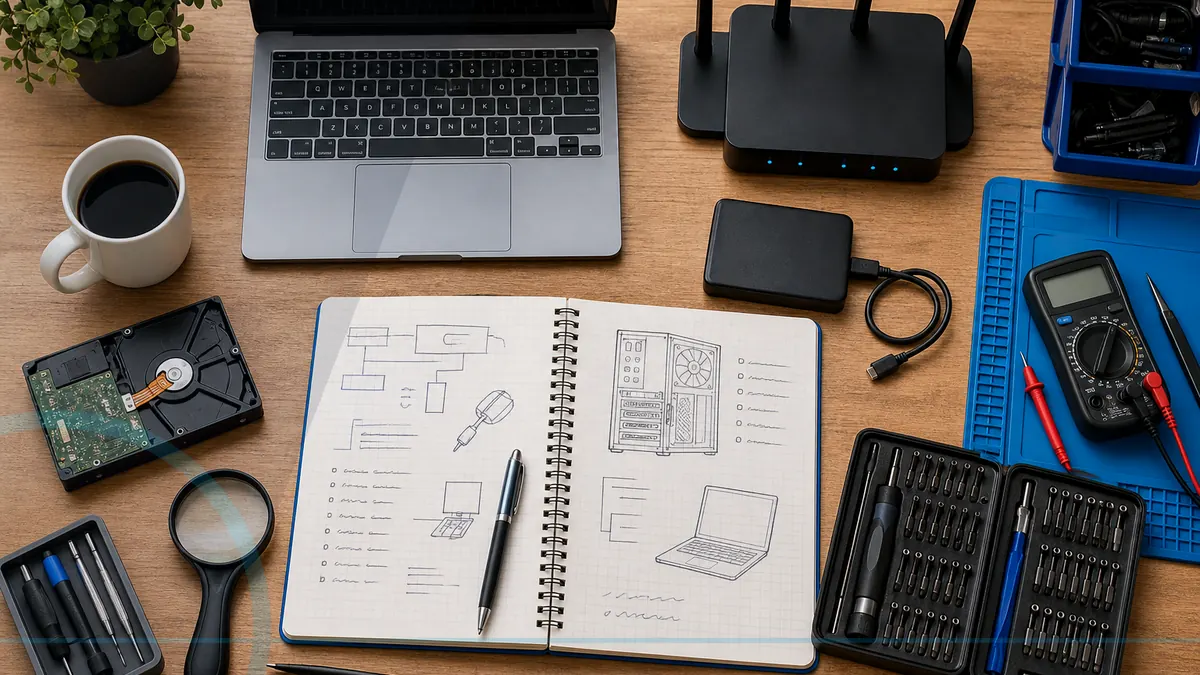
Monthly Computer Maintenance Checklist
A short monthly routine catches neglected updates, low storage, failed backups, account alerts, and physical problems before they become emergencies.
Read the guide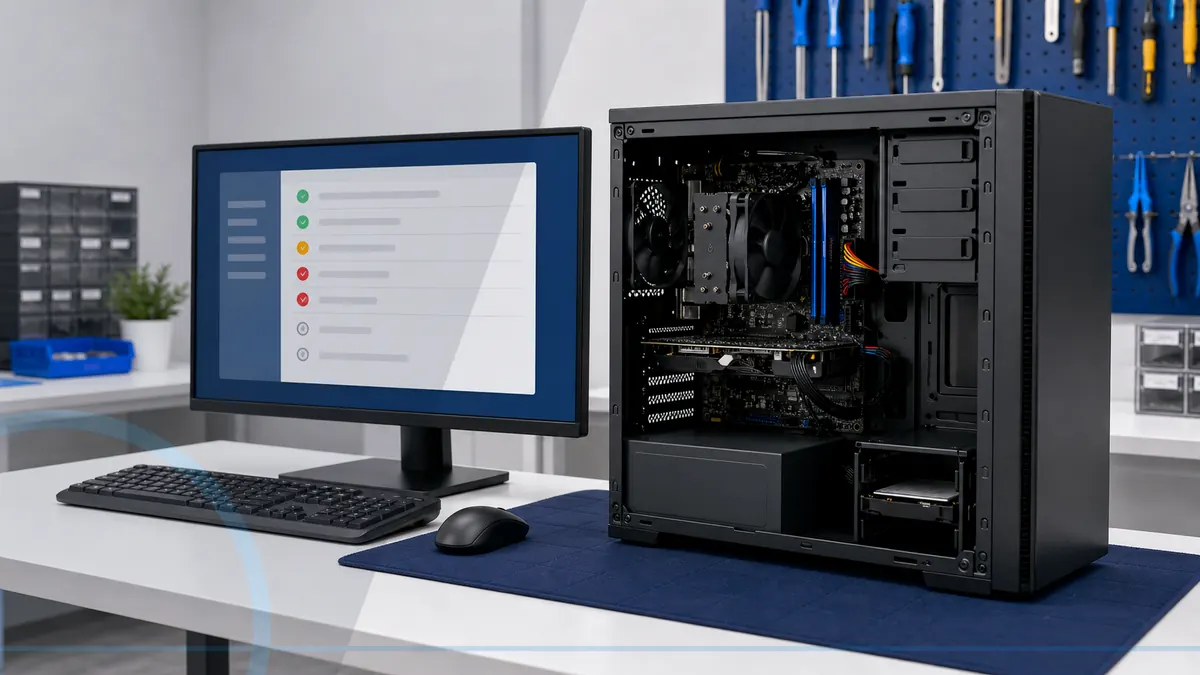
Why Is My Computer So Slow?
A slow computer can come from limited storage, too many startup programs, failing hardware, heat, malware, or simply an aging design.
Read the guideCybersecurity services questions
It is a monthly service that includes managed endpoint detection and response and managed antivirus on every eligible enrolled computer, 24/7 investigation of EDR detections, update visibility, local review, and plain-English reporting.
Managed antivirus is included, but Home Cyber Care goes further. Managed EDR looks for suspicious endpoint behavior, a security operations team reviews EDR detections around the clock, and supported response actions can help contain confirmed threats.
No. No tool or technician can guarantee that. Monitoring can improve visibility and maintenance, while customers still need safe habits, strong accounts, multifactor authentication, and backups.
Routine management is not casual browsing of personal files. The security tools process device, process, activity, detection, investigation, and response telemetry needed to protect the computer. Any attended remote access is separately authorized and limited to the agreed support purpose.
The computer must be powered on and connected periodically for monitoring and updates to check in. Exact timing depends on the tools and plan.
The managed security operations team reviews EDR detections 24/7 and may perform supported investigation, isolation, containment, or remediation actions when enabled and appropriate. Leon follows up according to the plan and finding. General technical support and non-EDR alerts are not a 24/7 help desk.