
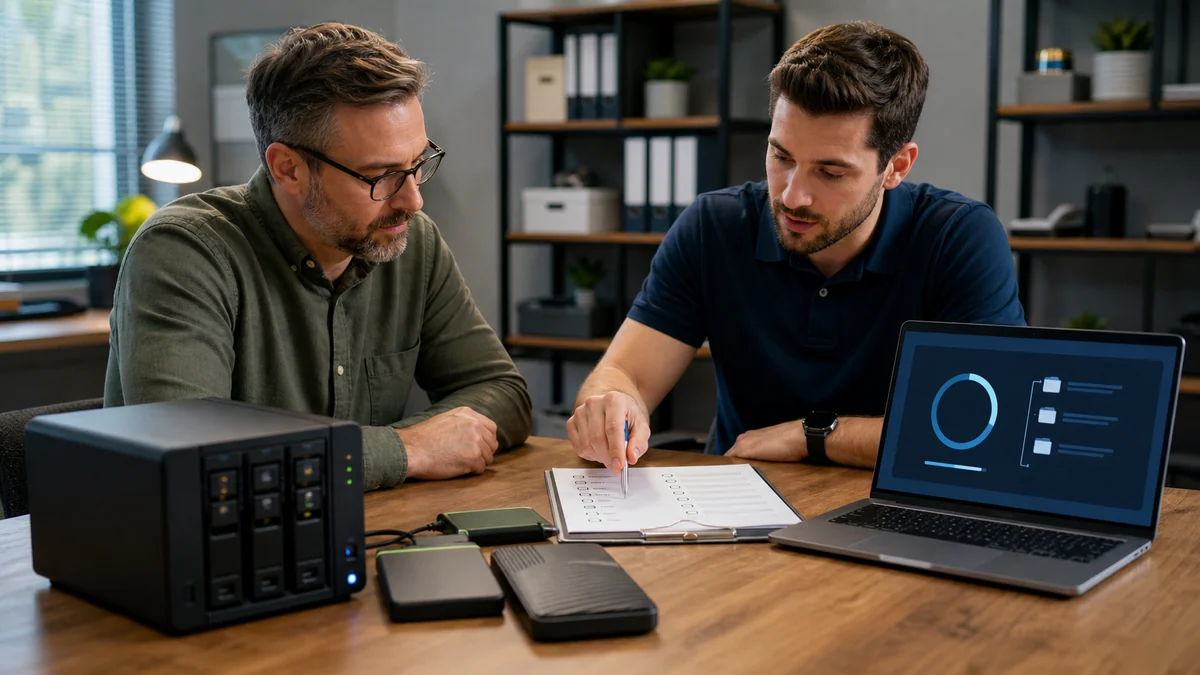
A backup is only valuable when the business knows what can be restored and how.
Backup planning identifies critical data, where it lives, who owns it, how often it changes, acceptable loss and downtime, retention needs, independent copies, and the exact process for restoring work.
Tell Leon what changed, the exact model when known, what you already tried, and whether files, accounts, deadlines, or business work are involved. That is enough to choose a useful first step.
What happens before anyone recommends a fix.
The checks change with the service, but the decision should always follow evidence, data risk, and the way the device is actually used.
Inventory of important files, applications, devices, cloud services, and current copies
Definition of recovery priorities, retention, ownership, and failure scenarios
A practical backup design plus documented status and test-restore expectations
What must the business be able to restore?
The plan should protect the data and systems that keep the business operating, not simply copy everything without priorities. Cloud sync, recycle bins, and one external drive are not automatically a complete backup. Legal, contractual, and industry retention duties may require specialist review.
Technology help for a county that runs on connected devices.
Salem County reported 1,137 employer establishments and 3,572 nonemployer establishments in 2023. Small organizations and solo operators need right-sized technology ownership without pretending they all need an enterprise IT department.
Salem County businesses can begin with a right-sized recovery conversation focused on the records, applications, and deadlines that would matter after a computer, account, or storage failure.
See the complete service-area guideBring the details that shorten the path to an answer.
- Number of users, computers, locations, and critical applications
- The business impact, deadline, and acceptable downtime
- Known vendors, subscriptions, backups, and administrative account owners
- Any security, insurance, contractual, or compliance requirements already in place
Keep the next interruption from becoming another emergency.
Ongoing support is optional. It is useful when the device or business needs consistent maintenance, clearer ownership, or a known local contact.
Using this computer for work?
Managed IT can add recurring backup-status review, documentation, ownership, and scheduled recovery testing after the initial plan is implemented.
See small business IT supportRelated services and practical guides
Questions people ask about Small Business Backup Planning
These answers are specific to this service. Exact availability, repairability, parts, timing, and price still depend on the device and diagnosis.
Pricing depends on diagnostics, device condition, parts, labor, data risk, and scope. Contact Leon with the model and symptoms for the next step.
Include the exact model, symptoms, recent changes or damage, important data concerns, town, and any genuine deadline. Leon will confirm what equipment or accessories should be brought.
The right design depends on risk, but it should avoid relying on one device or one synchronized copy. Independent copies, version history, offsite protection, and tested restores are common considerations.
Review job status and storage capacity, then perform documented test restores of representative files. A successful status message is useful, but recoverability is what matters.
No. A good plan reduces risk and improves recovery options, but failures, configuration mistakes, attacks, account loss, and unprotected data can still cause loss.