
The right local recommendation starts with how the technology is used.
Woodstown customers can combine break-fix support with preventive planning. That may mean repairing the immediate fault, reviewing backup coverage, or setting a regular maintenance routine for computers used by a family or home office.
Woodstown families, remote workers, shops, and professional offices often need both immediate repair and a repeatable plan for updates, backup, maintenance, and eventual replacement.
Explore Home Cyber CareFour reasons Woodstown customers reach out.
You do not need to diagnose the fault before contacting Leon. A short, accurate history is more useful than a guessed cause.
A home-office computer must be dependable for appointments and documents
A family computer has accumulated years of programs, downloads, and updates
Important photos need a second copy before storage begins failing
The owner wants ongoing monitoring instead of waiting for another emergency
Services that fit this page.
Every service begins with scope, data and account risk, repair value, and the outcome the customer actually needs.
Computer diagnosis
Startup, speed, storage, heat, hardware, Windows, and repair-value decisions.
Explore this serviceData and setup
Backup planning, safe transfer, new-computer setup, and recovery-aware next steps.
Explore this serviceSafer home computing
Monitoring, updates, monthly context, and scam-aware support for eligible computers.
Explore this serviceChoose the safest next step.
Power down equipment that is smoking, wet, unusually hot, swollen, clicking, or physically damaged. End unexpected remote access and use verified contact details for banks and account providers. Otherwise, note the model, exact behavior, recent changes, and what data or work matters.
Questions from Woodstown customers
Yes. Call or submit a repair request so availability, device handoff, remote options, and any parts questions can be confirmed first.
Many software, account, setup, update, and troubleshooting issues can be handled remotely after secure authorization. Hardware work still requires the device.
No. Parts, age, damage, data condition, and cost all matter. Leon will explain whether repair, recovery, upgrade, or replacement is the practical recommendation.
Yes. Service is available by arrangement throughout Salem County and nearby South Jersey communities.
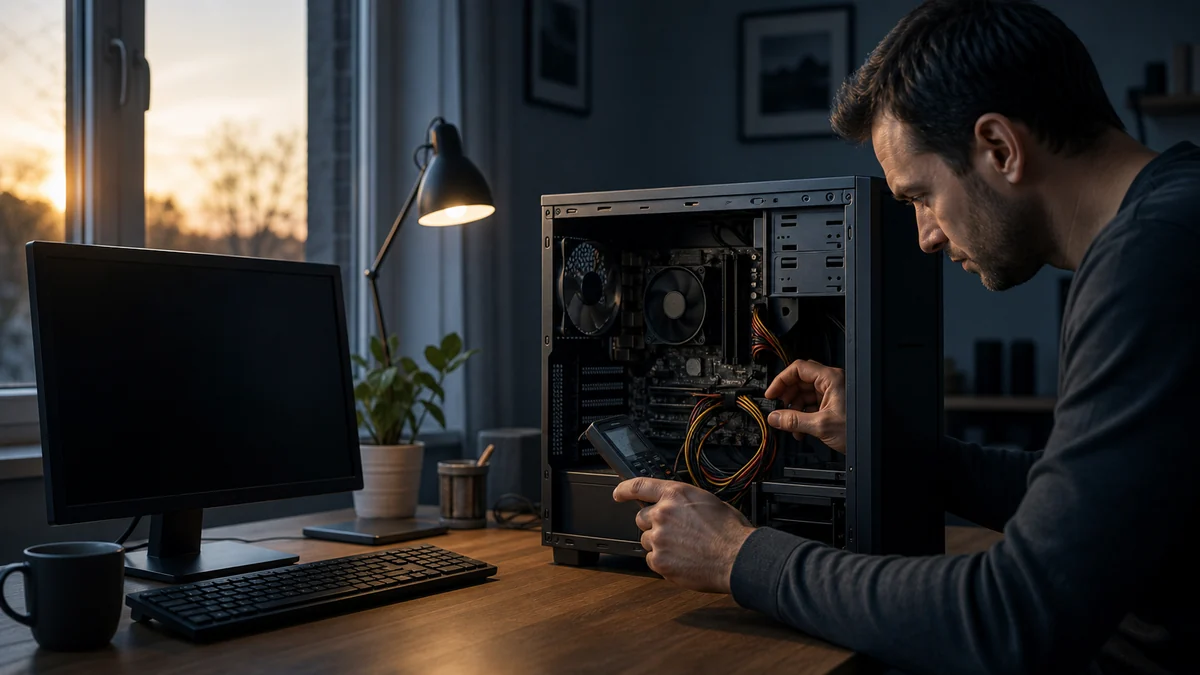
What To Do When Your Computer Will Not Turn On
A no-power computer may have a simple connection problem, a failed power supply or charger, a battery issue, or a deeper hardware fault.
Read the guide
Is an SSD Upgrade Worth It for an Older Computer?
An SSD can make a compatible computer feel much more responsive, but it does not fix every cause of poor performance or make unsupported hardware current.
Read the guide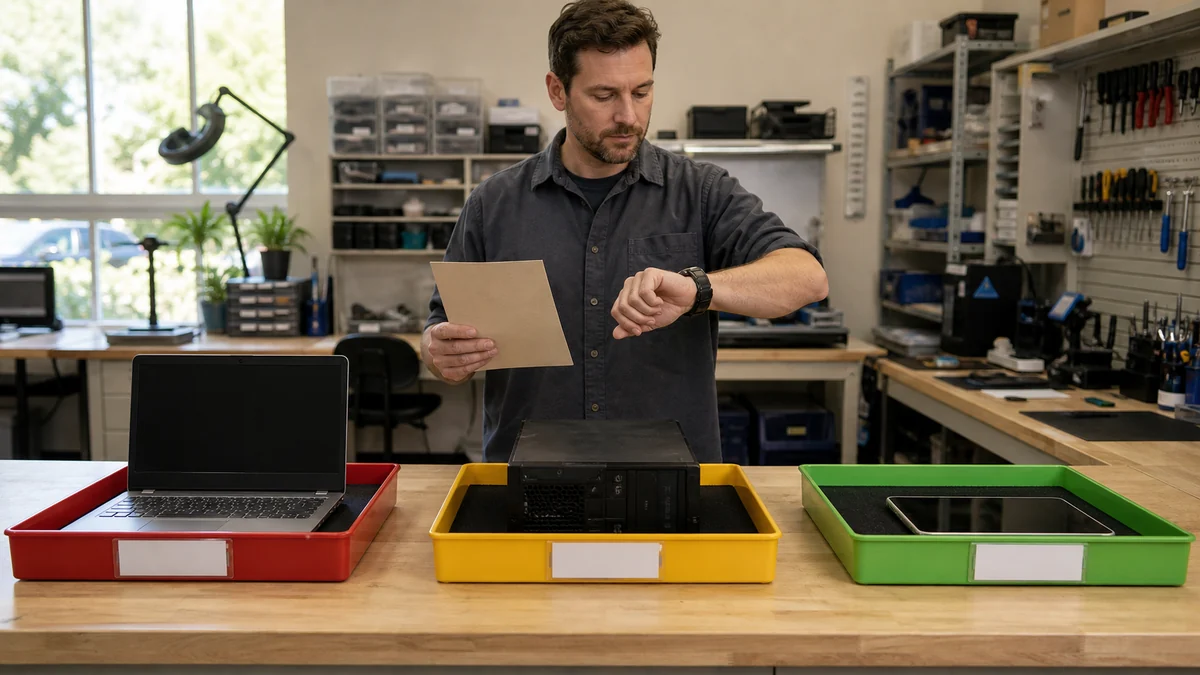
How Long Does Computer Repair Usually Take?
Repair time depends on diagnosis, parts, data risk, software setup, testing, current workload, and whether an intermittent problem can be reproduced.
Read the guide