What To Do When Your Computer Will Not Turn On
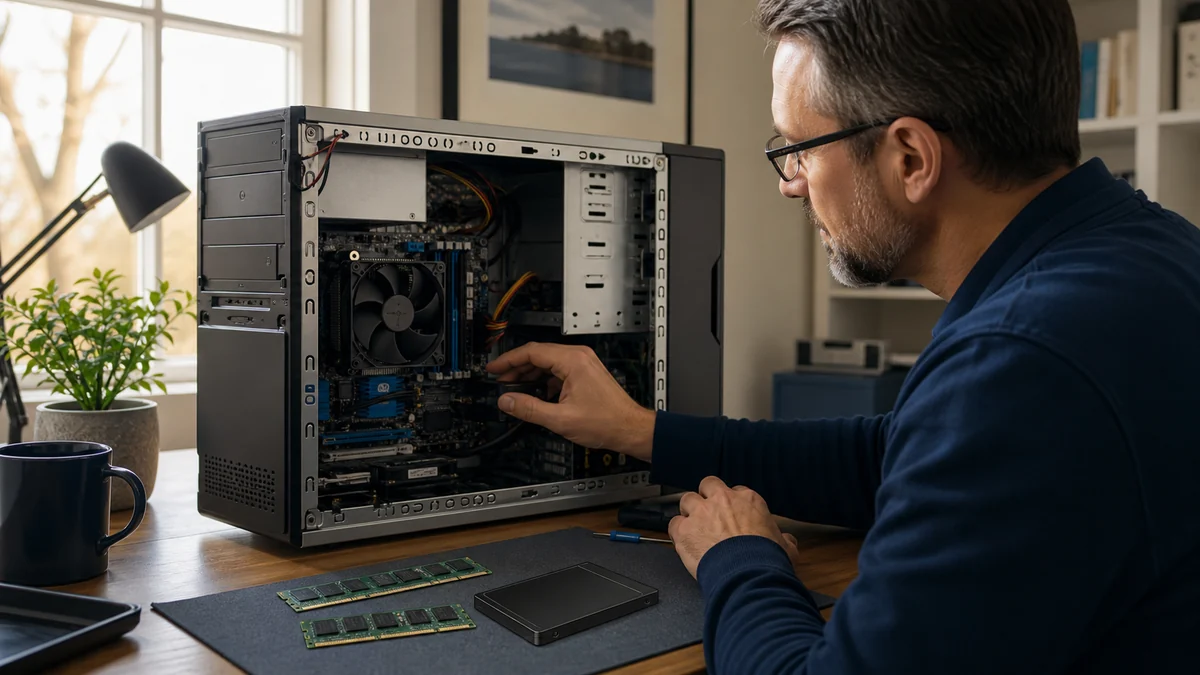
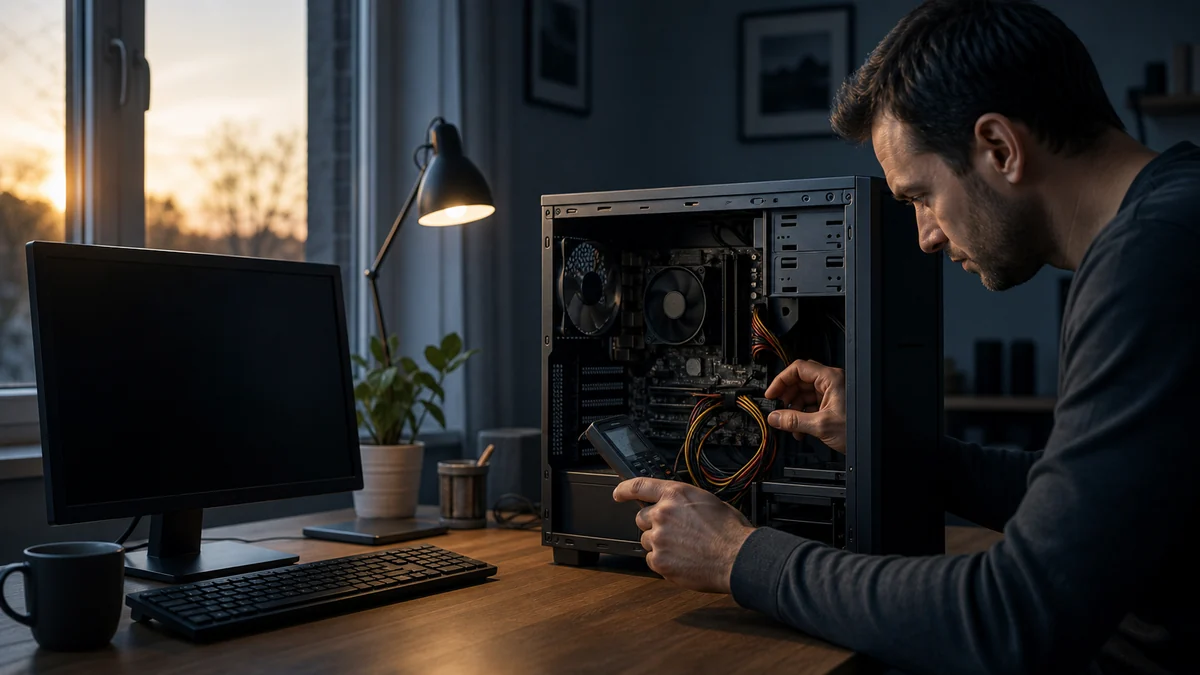
A no-power computer may have a simple connection problem, a failed power supply or charger, a battery issue, or a deeper hardware fault.
Read the guidePlain-English diagnostics, maintenance, upgrade, and repair-versus-replace guidance for Salem County computer owners.
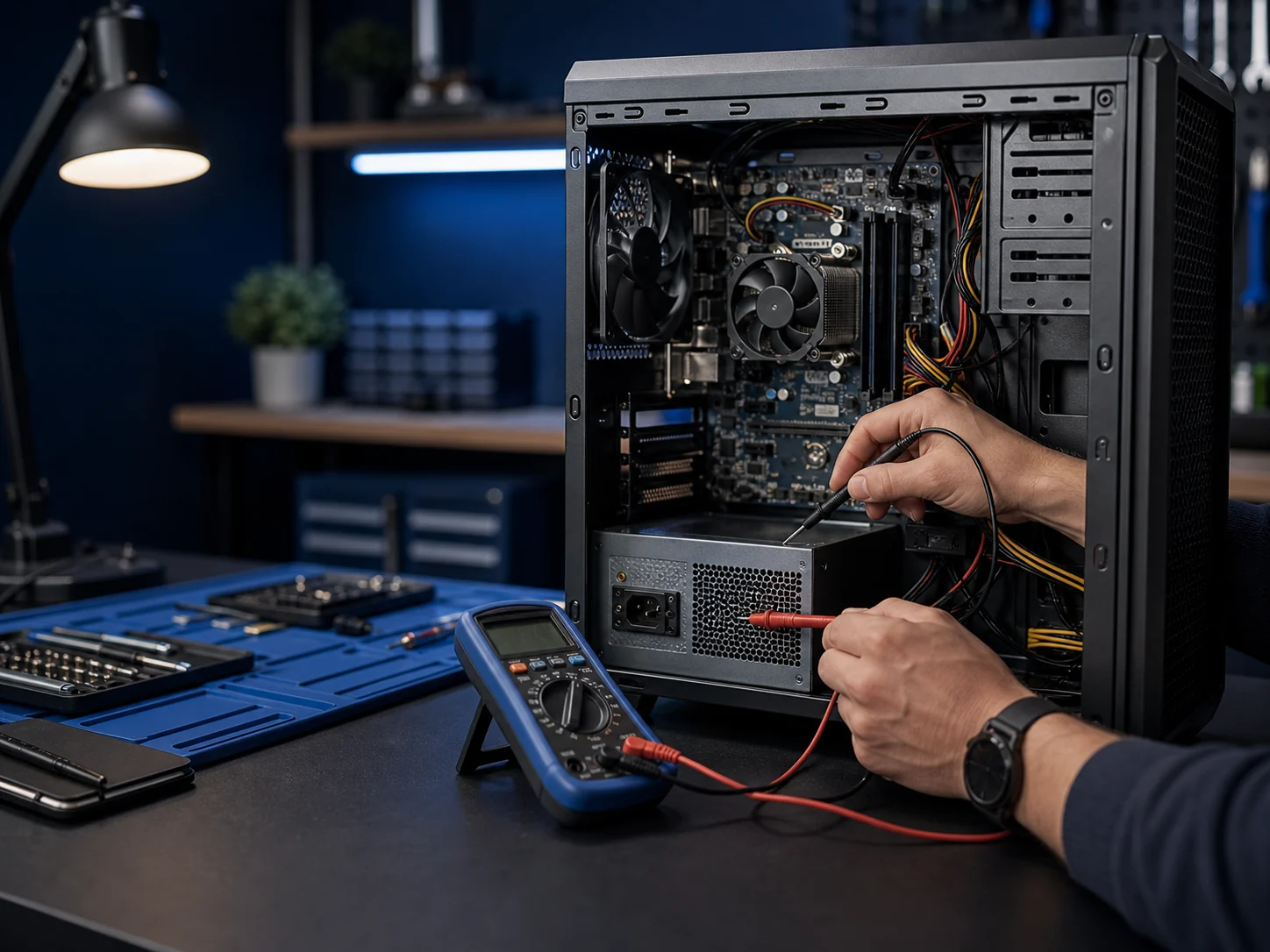
A no-power computer may have a simple connection problem, a failed power supply or charger, a battery issue, or a deeper hardware fault.
Read the guideAn SSD can make a compatible computer feel much more responsive, but it does not fix every cause of poor performance or make unsupported hardware current.
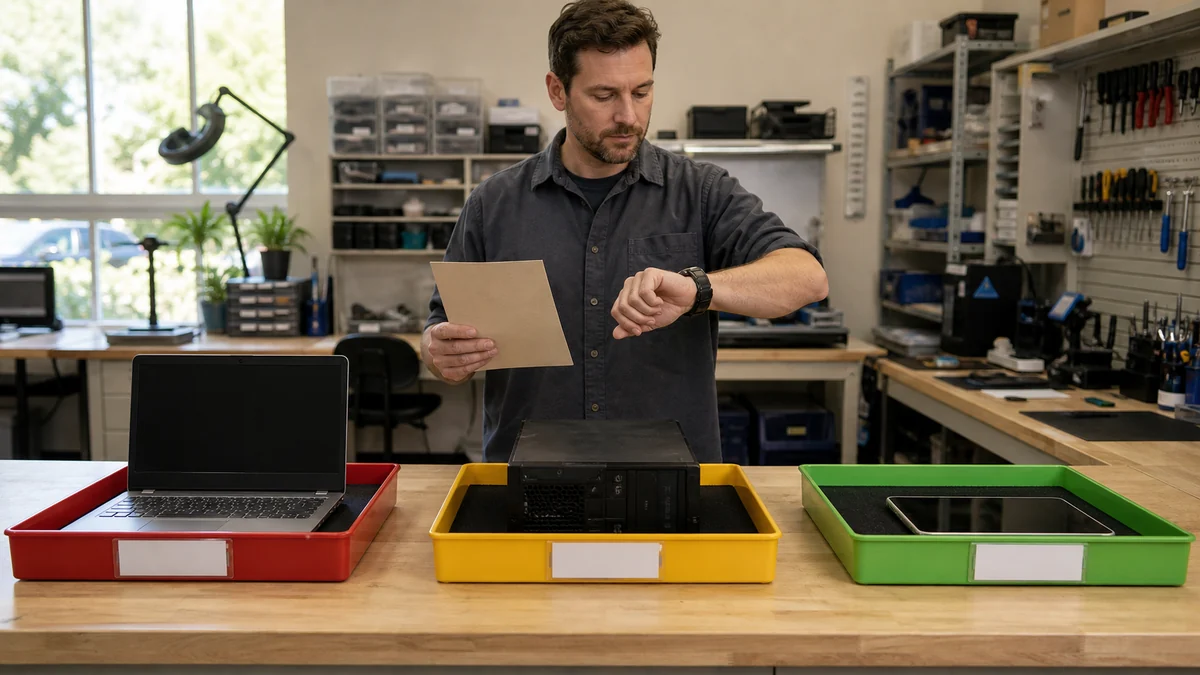
Read the guideRepair time depends on diagnosis, parts, data risk, software setup, testing, current workload, and whether an intermittent problem can be reproduced.
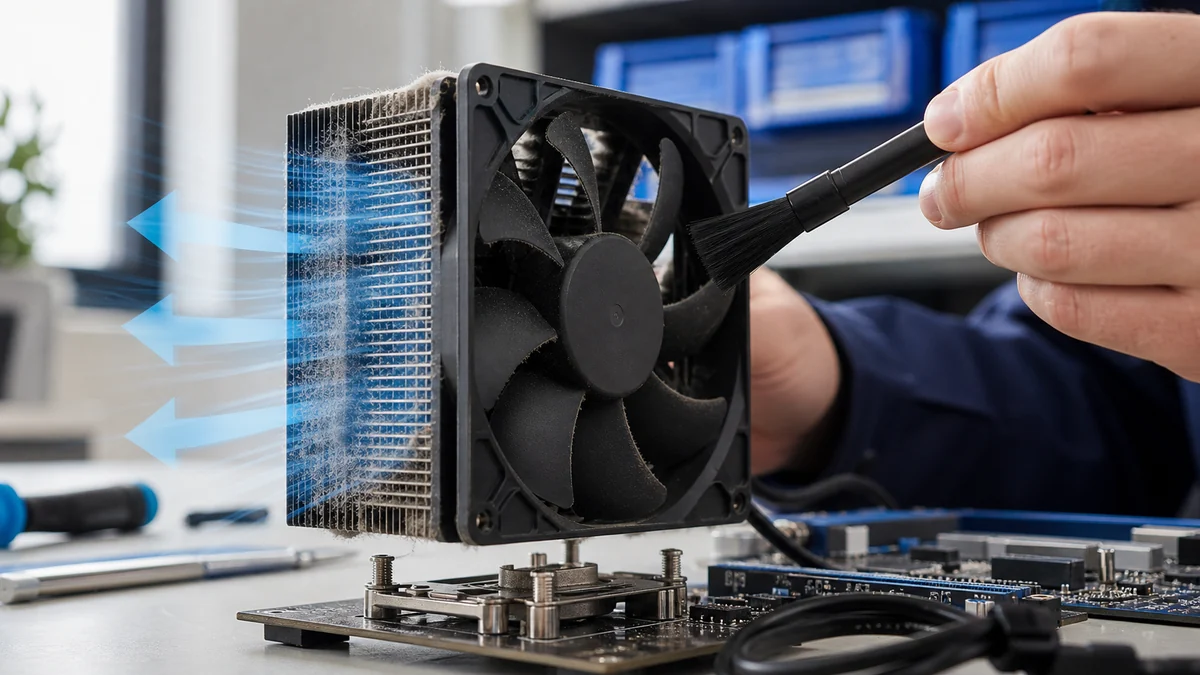
Read the guideLoud fans can signal dust, blocked airflow, heavy background work, aging cooling parts, heat, or a component under sustained load.
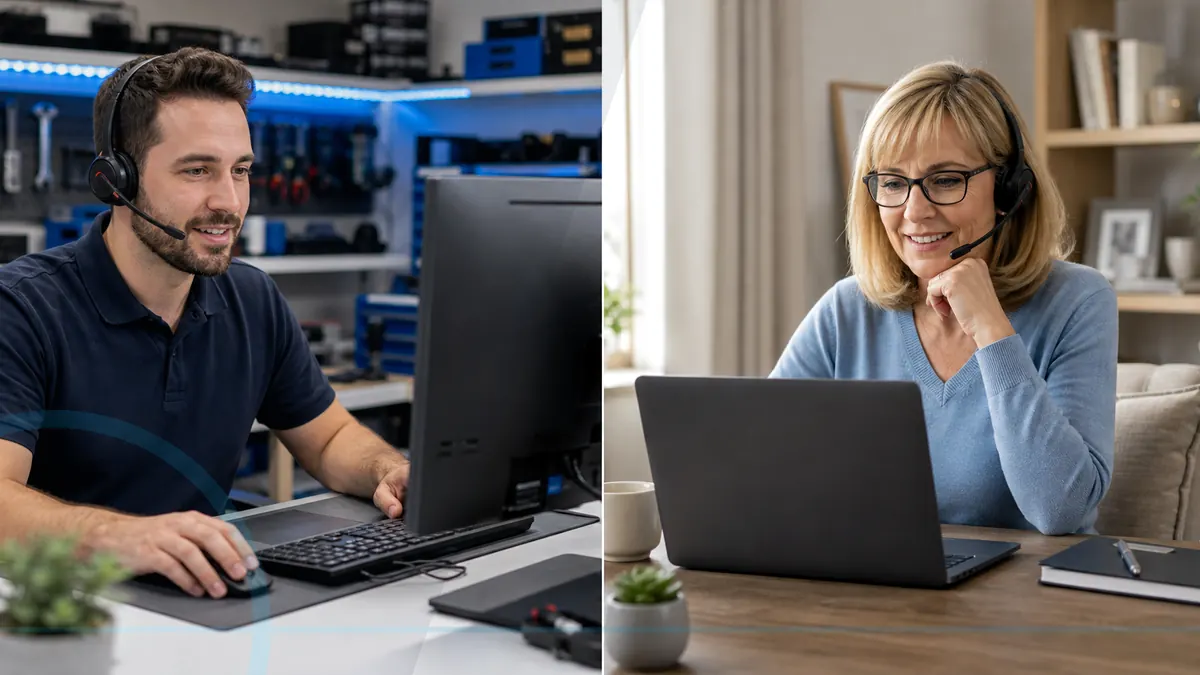
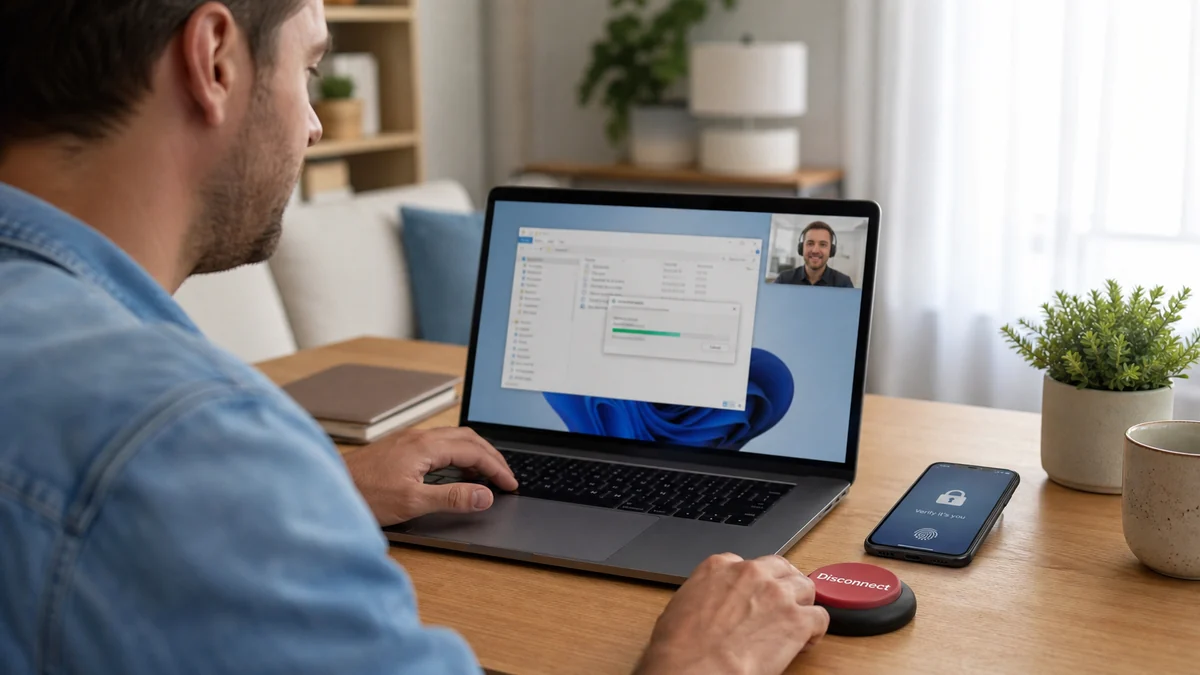
Read the guideRemote support is useful for many software, account, update, and setup problems, but it cannot physically repair a damaged device.
Read the guideAn older computer may benefit from maintenance, an SSD, memory, a clean setup, or fewer background programs, but every upgrade has limits.
Read the guideA little preparation protects your data and helps a technician reproduce the problem faster.
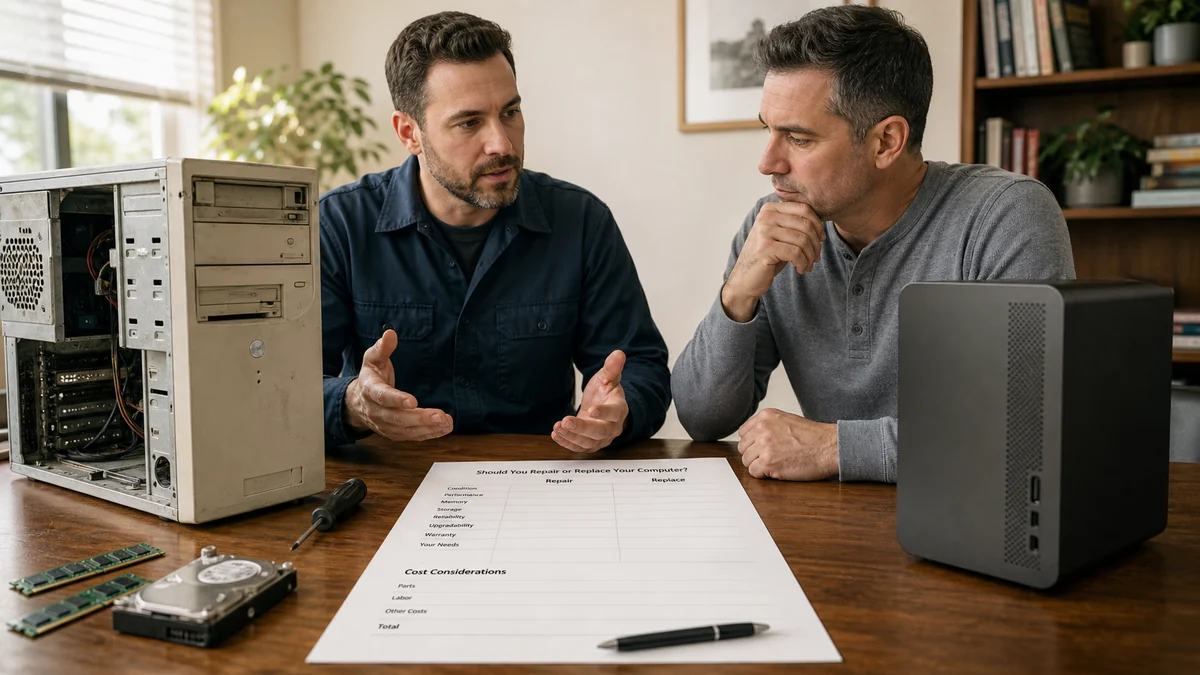
Read the guideThe right choice depends on age, condition, repair cost, performance needs, upgrade options, and the value of your time.
Read the guideRemote support uses an approved tool and customer permission to let a technician view or control a computer for eligible troubleshooting.
Read the guideChoose residential device help, business IT, or call Leon when you are not sure where to begin.