Start with the pattern, not a guess
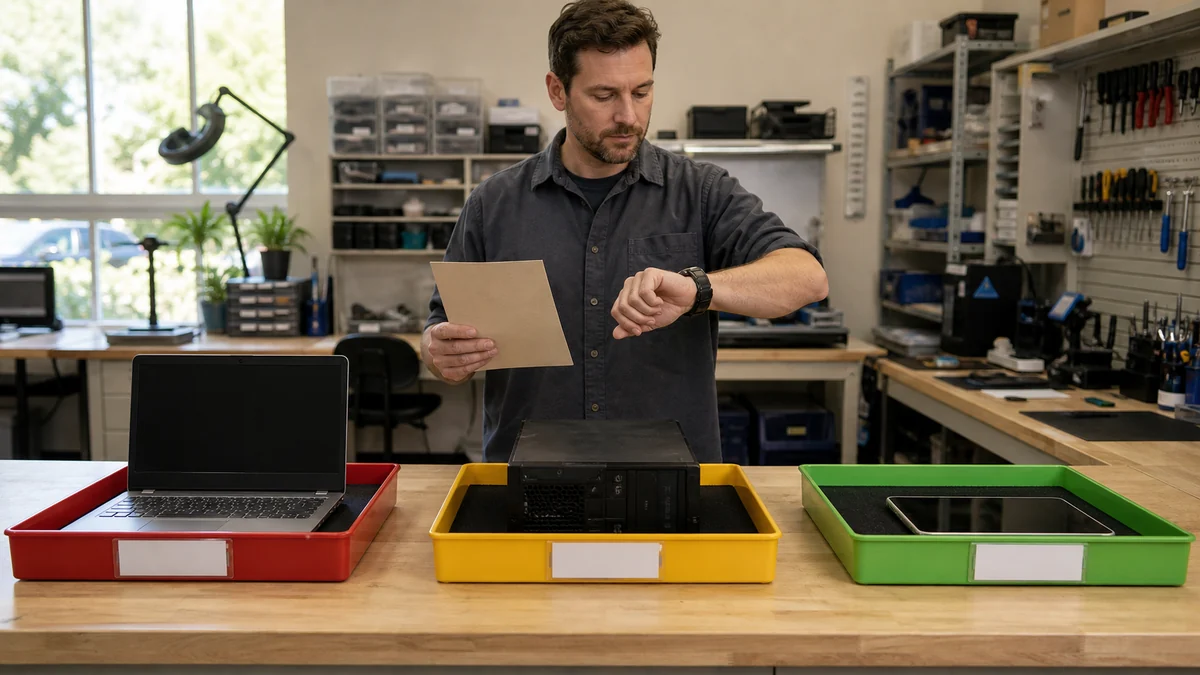
Start with the exact symptom, when it began, what changed, and what the device must still do for you. That context helps separate a temporary setting problem from failing hardware, unsafe activity, or a device that is no longer economical to repair.
Practical checks and decisions
Work from observation to one controlled change at a time. Stop when the next step could risk data, accounts, electrical safety, or additional hardware damage.
Check storage health and interface compatibility first
Record the exact symptom, when it began, what changed, and whether it appears at startup, idle, or during a repeatable task. Include messages, sounds, heat, and recent physical damage.
Consider memory, processor limits, and operating-system support
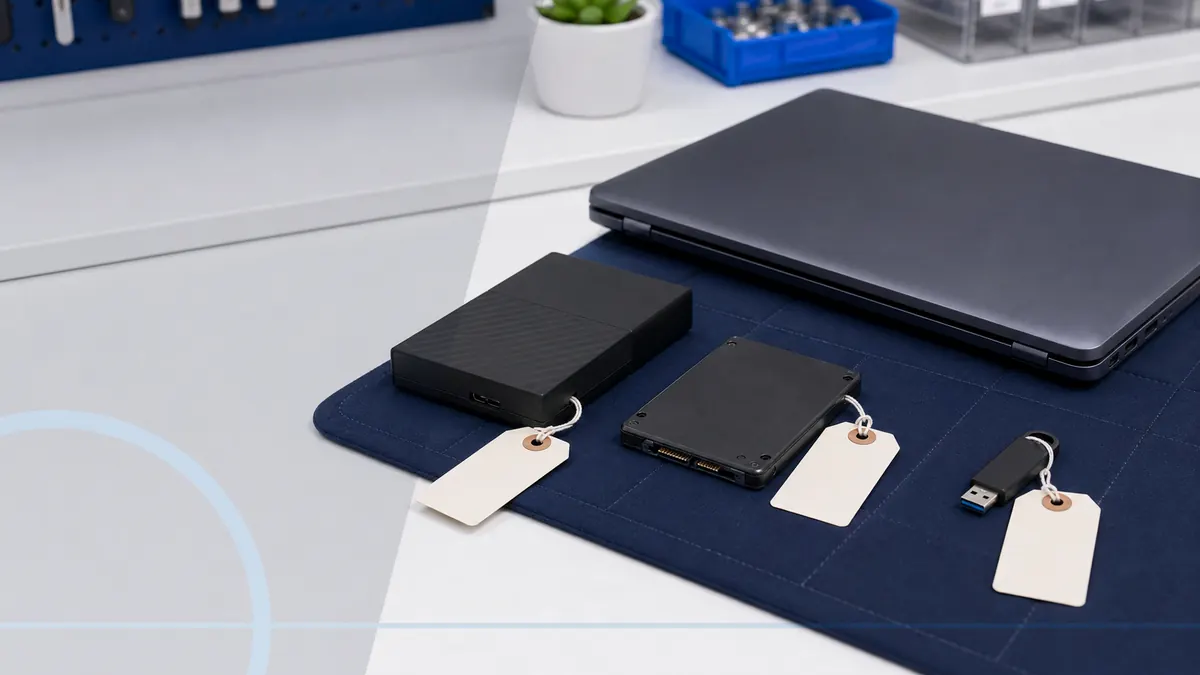
Protect important files before resets, cleanup tools, hardware changes, or repeated restarts. Change one variable at a time so the result can be connected to a specific action.
Include cloning, backup, licensing, and testing in the plan
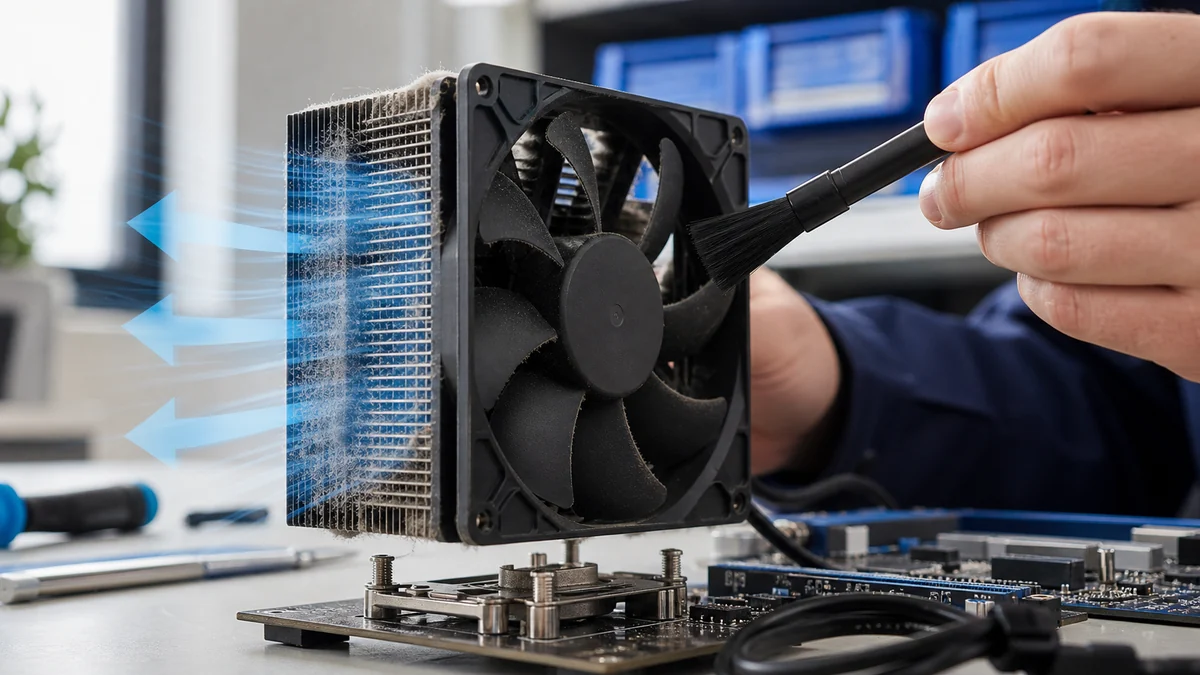
Stop when there is swelling, liquid, smoke, electrical odor, grinding, extreme heat, or the only copy of important data is at risk. Those conditions need a safer hands-on path.
Compare the complete upgrade cost with a suitable replacement
Confirm the result across normal use rather than one successful startup. Consider age, support life, total repair cost, upgrade value, and the cost of setting up a suitable replacement.
When a professional diagnosis makes sense
Professional diagnosis is useful when the same symptom returns, important files are at risk, the computer cannot start reliably, or the next test involves parts, resets, unfamiliar commands, or irreversible changes. Bring exact messages and a short history of what changed before the problem began.
For hands-on or remote help, explore the service options related to this issue, or browse the Help Center for another guide.