
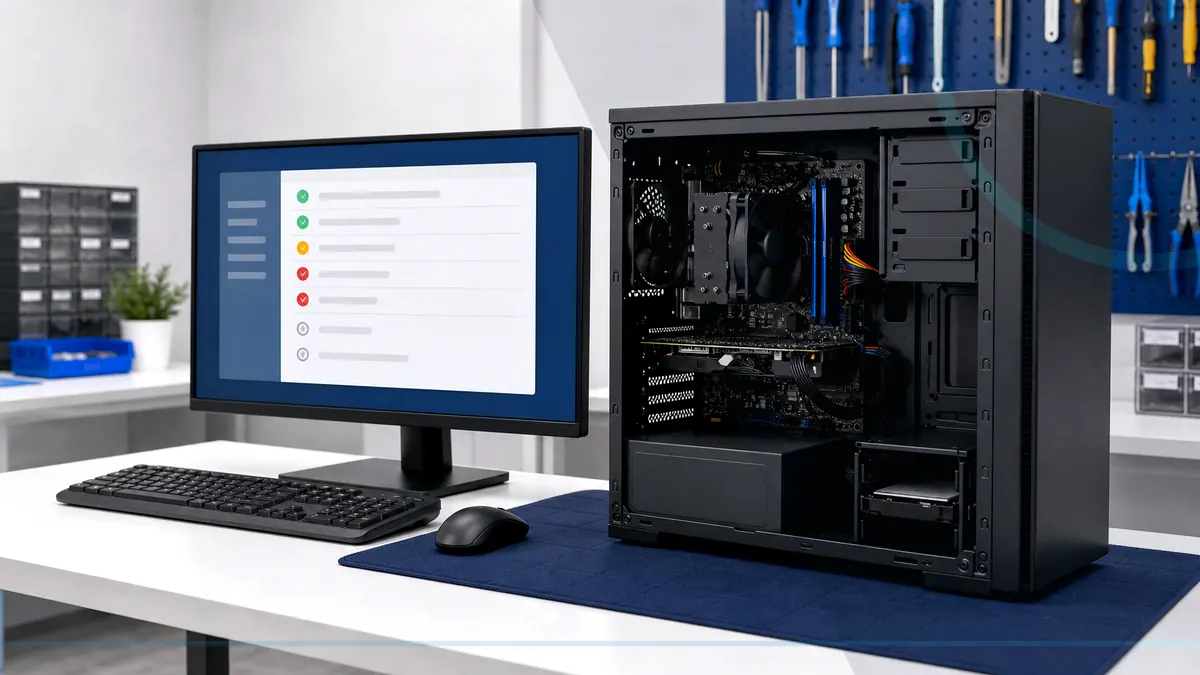
Upgrade the bottleneck you can measure—not the component with the loudest marketing.
Upgrade planning starts with the actual bottleneck, supported operating-system life, component compatibility, power delivery, cooling, available space, and the applications or games that need to improve.
Tell Leon what changed, the exact model when known, what you already tried, and whether files, accounts, deadlines, or business work are involved. That is enough to choose a useful first step.
What happens before anyone recommends a fix.
The checks change with the service, but the decision should always follow evidence, data risk, and the way the device is actually used.
Baseline review of performance, storage, memory use, temperatures, and compatibility
Comparison of the expected improvement with the full installed cost
Installation, updates, configuration, and testing against the original goal
Upgrade this computer or put the budget toward replacement?
An SSD, memory, graphics, networking, or cooling upgrade can be excellent value when the platform remains supported and the improvement is measurable. Replacement is usually wiser when the processor, board, power, storage, and software support all limit the result.
Technology help for a county that runs on connected devices.
Salem County has 24,846 households, and 94.7% report having a computer. That makes reliable local diagnosis, setup, recovery, and replacement guidance relevant to nearly every household—not a niche convenience.
Salem County customers can bring parts they already purchased for compatibility review, but installation and warranty terms depend on condition and suitability.
See the complete service-area guideBring the details that shorten the path to an answer.
- The exact computer model and its correct power adapter
- The error message, recent change, and when the problem appears
- Whether important files are backed up or exist only on this device
- Any deadline tied to school, work, records, photos, or accounts
Keep the next interruption from becoming another emergency.
Ongoing support is optional. It is useful when the device or business needs consistent maintenance, clearer ownership, or a known local contact.
Home Cyber Care after the immediate fix
A hardware upgrade does not restore software support or replace backups. Home Cyber Care can help with ongoing status after the upgraded system is stable.
Explore Home Cyber CareUsing this computer for work?
Business upgrades should follow a workstation standard and lifecycle plan so staff do not end up with unpredictable configurations.
See small business IT supportRelated services and practical guides
Keep an eligible computer protected from $39 per month.
Home Cyber Care adds managed EDR, managed antivirus, 24/7 investigation of EDR detections, update visibility, monthly reporting, and a local support relationship.
Questions people ask about Computer Upgrades
These answers are specific to this service. Exact availability, repairability, parts, timing, and price still depend on the device and diagnosis.
Pricing depends on diagnostics, device condition, parts, labor, data risk, and scope. Contact Leon with the model and symptoms for the next step.
Include the exact model, symptoms, recent changes or damage, important data concerns, town, and any genuine deadline. Leon will confirm what equipment or accessories should be brought.
It depends on the bottleneck. Replacing a hard drive with an SSD can transform some older systems, while memory, graphics, cooling, or a full platform change may matter more in others.
Possibly, after checking compatibility, condition, required accessories, and warranty expectations. Customer-supplied parts may carry different labor and return terms.
Hardware alone does not restore operating-system or application support. Security support life should be considered before investing in an older platform.