
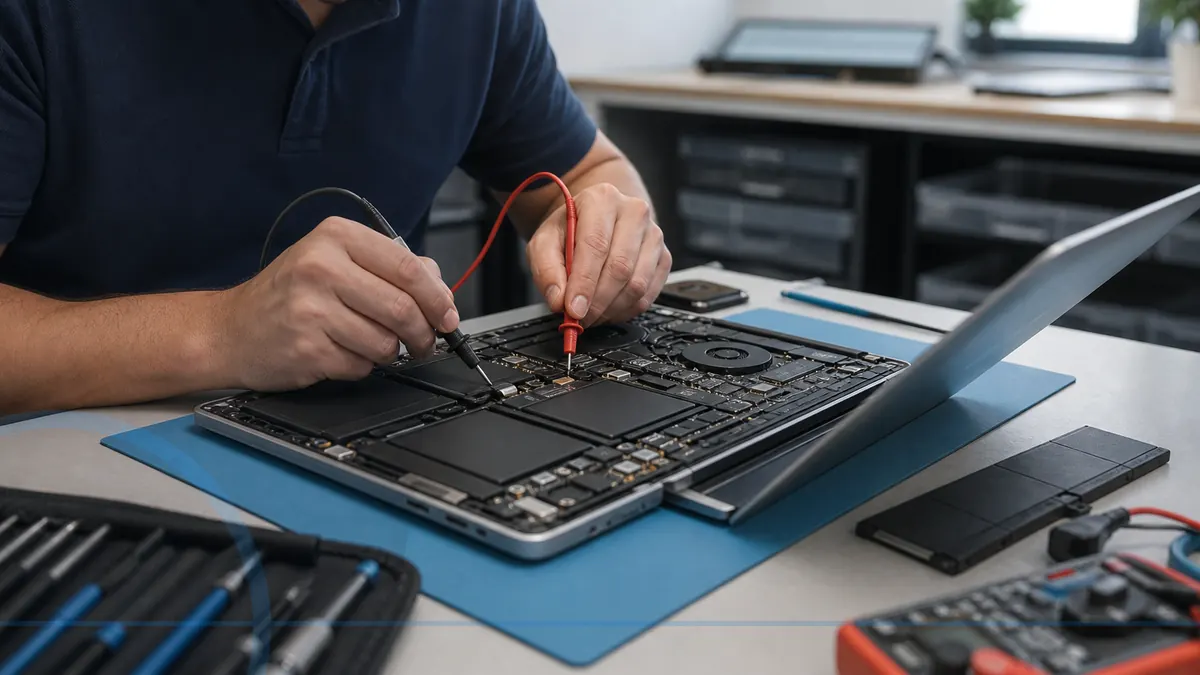
A portable computer needs a repair plan that respects its data and its construction.
Laptop diagnostics are model-specific. The charger, battery, display, hinges, cooling system, storage, and main board can produce overlapping symptoms, so the exact model and failure history matter.
Tell Leon what changed, the exact model when known, what you already tried, and whether files, accounts, deadlines, or business work are involved. That is enough to choose a useful first step.
What happens before anyone recommends a fix.
The checks change with the service, but the decision should always follow evidence, data risk, and the way the device is actually used.
Inspection of the charger, ports, physical condition, and reported symptom
Model and part-availability research before a parts promise
Testing after repair for charging, heat, sleep, display, and stability
When a laptop is worth repairing
A battery, drive, memory, keyboard, or screen repair can be sensible on a useful laptop with otherwise good condition. Replacement may be wiser when hinges and chassis are badly damaged, parts are unavailable, liquid reached the board, or an older laptop has several expensive faults.
Technology help for a county that runs on connected devices.
Salem County has 24,846 households, and 94.7% report having a computer. That makes reliable local diagnosis, setup, recovery, and replacement guidance relevant to nearly every household—not a niche convenience.
Salem County customers should call before traveling with a laptop, especially for screens, hinges, batteries, or charging ports that require model-specific parts.
See the complete service-area guideBring the details that shorten the path to an answer.
- The exact computer model and its correct power adapter
- The error message, recent change, and when the problem appears
- Whether important files are backed up or exist only on this device
- Any deadline tied to school, work, records, photos, or accounts
Keep the next interruption from becoming another emergency.
Ongoing support is optional. It is useful when the device or business needs consistent maintenance, clearer ownership, or a known local contact.
Home Cyber Care after the immediate fix
A repaired family or remote-work laptop may be a good Home Cyber Care candidate when the owner wants update checks, monthly health reporting, and a local support contact.
Explore Home Cyber CareUsing this computer for work?
Work laptops benefit from documented setup, backup planning, security oversight, and replacement planning, particularly when downtime affects appointments or customer work.
See small business IT supportRelated services and practical guides
Keep an eligible computer protected from $39 per month.
Home Cyber Care adds managed EDR, managed antivirus, 24/7 investigation of EDR detections, update visibility, monthly reporting, and a local support relationship.
Questions people ask about Laptop Repair
These answers are specific to this service. Exact availability, repairability, parts, timing, and price still depend on the device and diagnosis.
Pricing depends on diagnostics, device condition, parts, labor, data risk, and scope. Contact Leon with the model and symptoms for the next step.
Include the exact model, symptoms, recent changes or damage, important data concerns, town, and any genuine deadline. Leon will confirm what equipment or accessories should be brought.
No. Power it down, unplug it, avoid pressing on the case, and arrange safe service. A swollen battery can damage the laptop and should not be punctured or placed in household trash.
Usually yes. The correct charger helps separate adapter, port, battery, and internal power faults. Bring any dock or accessory directly related to the problem.
No. Parts availability, model construction, hidden damage, and repair value vary. The exact model must be checked before a parts or price commitment.