
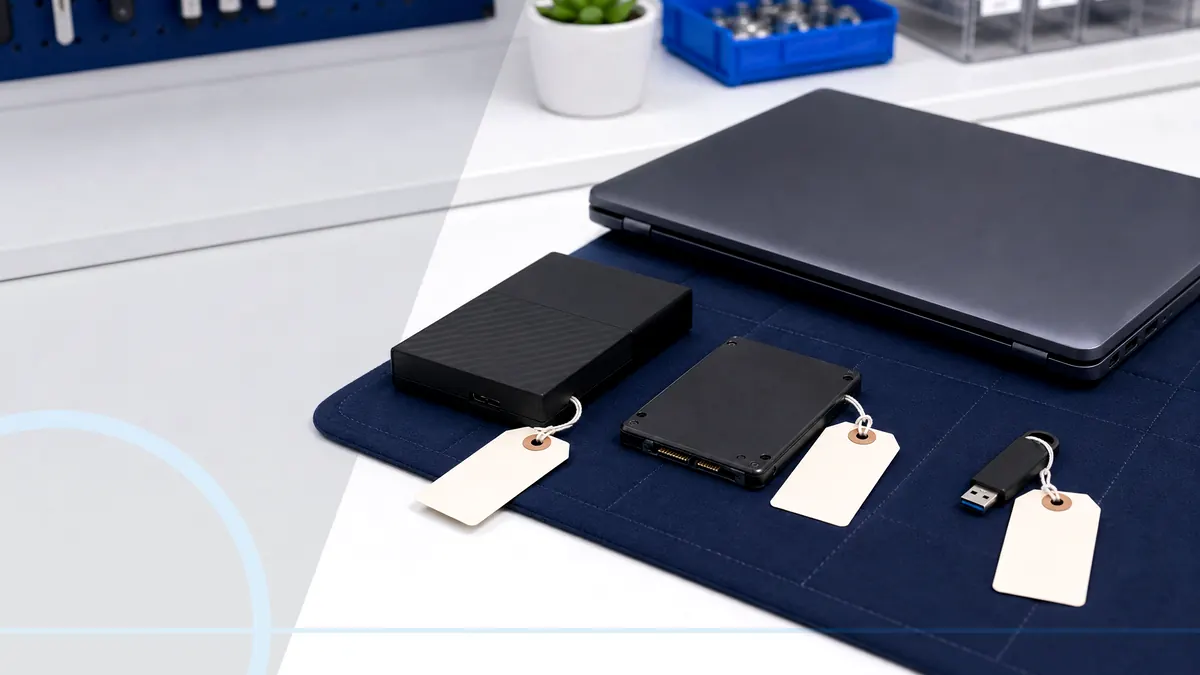
When the files matter, preservation comes before another repair attempt.
Data-recovery work starts with risk. A drive that was accidentally deleted is different from one that clicks, disappears, or has physical damage. Repeated DIY attempts can reduce the chance of a useful result.
Tell Leon what changed, the exact model when known, what you already tried, and whether files, accounts, deadlines, or business work are involved. That is enough to choose a useful first step.
What happens before anyone recommends a fix.
The checks change with the service, but the decision should always follow evidence, data risk, and the way the device is actually used.
A discussion of what files matter and whether another copy exists
Non-destructive assessment when the device condition allows it
Clear explanation of local options versus advanced laboratory recovery
When recovery is worth pursuing
The decision depends on how irreplaceable the files are, the condition of the media, the likely recovery path, and the budget. If the data exists elsewhere, replacement and restore may be simpler. If the only copy is important, preserving the device may matter more than making the computer boot again.
Technology help for a county that runs on connected devices.
Salem County has 24,846 households, and 94.7% report having a computer. That makes reliable local diagnosis, setup, recovery, and replacement guidance relevant to nearly every household—not a niche convenience.
Local assessment can help Salem County customers avoid unnecessary writes, formatting, or repeated restarts and decide whether advanced recovery is justified.
See the complete service-area guideBring the details that shorten the path to an answer.
- The exact computer model and its correct power adapter
- The error message, recent change, and when the problem appears
- Whether important files are backed up or exist only on this device
- Any deadline tied to school, work, records, photos, or accounts
Keep the next interruption from becoming another emergency.
Ongoing support is optional. It is useful when the device or business needs consistent maintenance, clearer ownership, or a known local contact.
Home Cyber Care after the immediate fix
After recovery, Home Cyber Care can support routine computer-health conversations, while a separate tested backup plan protects the files. Monitoring does not replace backups.
Explore Home Cyber CareUsing this computer for work?
Business data loss can interrupt billing, records, scheduling, and client work. Small business IT support can help establish backup ownership, retention, and restore testing after the immediate incident.
See small business IT supportRelated services and practical guides
Questions people ask about Data Recovery
These answers are specific to this service. Exact availability, repairability, parts, timing, and price still depend on the device and diagnosis.
Pricing depends on diagnostics, device condition, parts, labor, data risk, and scope. Contact Leon with the model and symptoms for the next step.
Include the exact model, symptoms, recent changes or damage, important data concerns, town, and any genuine deadline. Leon will confirm what equipment or accessories should be brought.
No. Repeated power cycles and repair utilities can worsen some failures. Stop using the device and explain the symptoms before additional attempts.
No. Results depend on physical condition, prior attempts, encryption, overwritten data, and the failure type. Assessment helps identify realistic options.
Bring the affected computer or storage device, its power adapter when relevant, and a clear list of the most important folders or file types. Do not format or initialize the device first.