
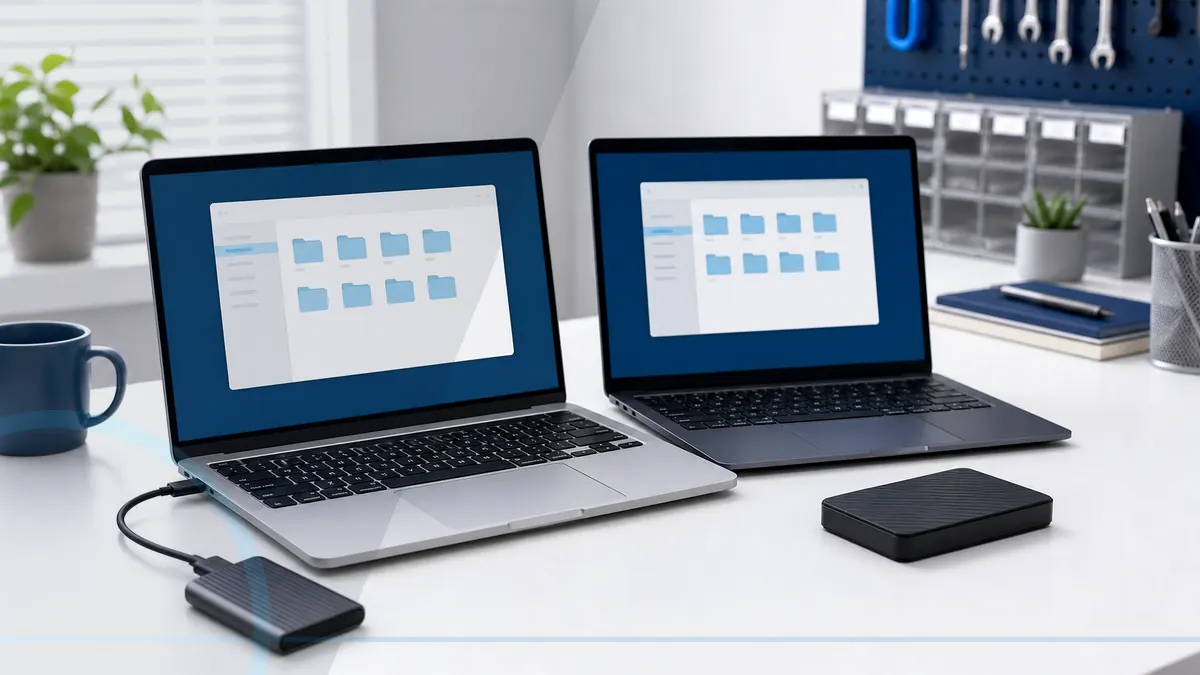
A new computer should be ready for real work before the old one is retired.
New-computer setup covers updates, accounts, security basics, applications, browser data, email, printers, cloud storage, file transfer, and an independent backup. The old computer should remain intact until the new workflow is verified.
Tell Leon what changed, the exact model when known, what you already tried, and whether files, accounts, deadlines, or business work are involved. That is enough to choose a useful first step.
What happens before anyone recommends a fix.
The checks change with the service, but the decision should always follow evidence, data risk, and the way the device is actually used.
Inventory of files, applications, accounts, printers, and special requirements
Supported updates, account security, migration, and backup configuration
Verification that important files open and required work can be completed
Move everything or build a cleaner new start?
A selective migration avoids carrying years of clutter and unwanted software onto the new computer. A broader transfer may be useful when the old system is organized and application needs are understood. Either path should preserve the old source until verification and backup are complete.
Technology help for a county that runs on connected devices.
Salem County has 24,846 households, and 94.7% report having a computer. That makes reliable local diagnosis, setup, recovery, and replacement guidance relevant to nearly every household—not a niche convenience.
Salem County customers can coordinate the old computer, new computer, correct chargers, backup drive, and required accessories in one planned handoff.
See the complete service-area guideBring the details that shorten the path to an answer.
- The exact computer model and its correct power adapter
- The error message, recent change, and when the problem appears
- Whether important files are backed up or exist only on this device
- Any deadline tied to school, work, records, photos, or accounts
Keep the next interruption from becoming another emergency.
Ongoing support is optional. It is useful when the device or business needs consistent maintenance, clearer ownership, or a known local contact.
Home Cyber Care after the immediate fix
Home Cyber Care can add recurring update and health visibility once the new computer, accounts, and backup are working.
Explore Home Cyber CareUsing this computer for work?
Business replacements should use an onboarding checklist, approved applications, least-privilege accounts, multifactor authentication, backup, and documented ownership.
See small business IT supportRelated services and practical guides
Keep an eligible computer protected from $39 per month.
Home Cyber Care adds managed EDR, managed antivirus, 24/7 investigation of EDR detections, update visibility, monthly reporting, and a local support relationship.
Questions people ask about New Computer Setup & Data Migration
These answers are specific to this service. Exact availability, repairability, parts, timing, and price still depend on the device and diagnosis.
Pricing depends on diagnostics, device condition, parts, labor, data risk, and scope. Contact Leon with the model and symptoms for the next step.
Include the exact model, symptoms, recent changes or damage, important data concerns, town, and any genuine deadline. Leon will confirm what equipment or accessories should be brought.
Many documents, photos, bookmarks, and supported account settings can be transferred. Programs usually need compatible installers, licenses, and fresh setup.
It is usually better to discuss the desired account, privacy, backup, and recovery setup before clicking through every default prompt.
Only after important files open correctly, required programs and accounts work, a separate backup exists, and the new computer has been used long enough to reveal missing items.