How to Protect a Home Office Computer
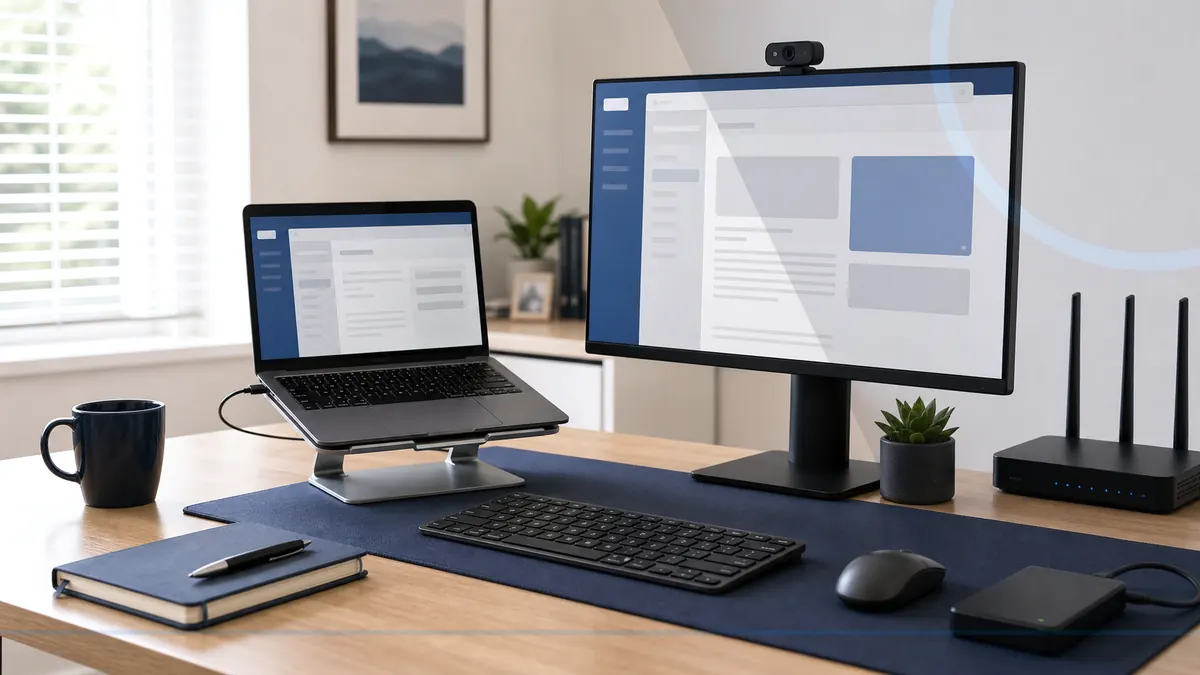
A home office computer needs supported software, secured accounts, reliable backups, sensible separation from household use, and a response plan.
Read the guideLocal guidance for safer family computers, seniors, remote workers, home offices, monitoring, and monthly computer care.
A home office computer needs supported software, secured accounts, reliable backups, sensible separation from household use, and a response plan.
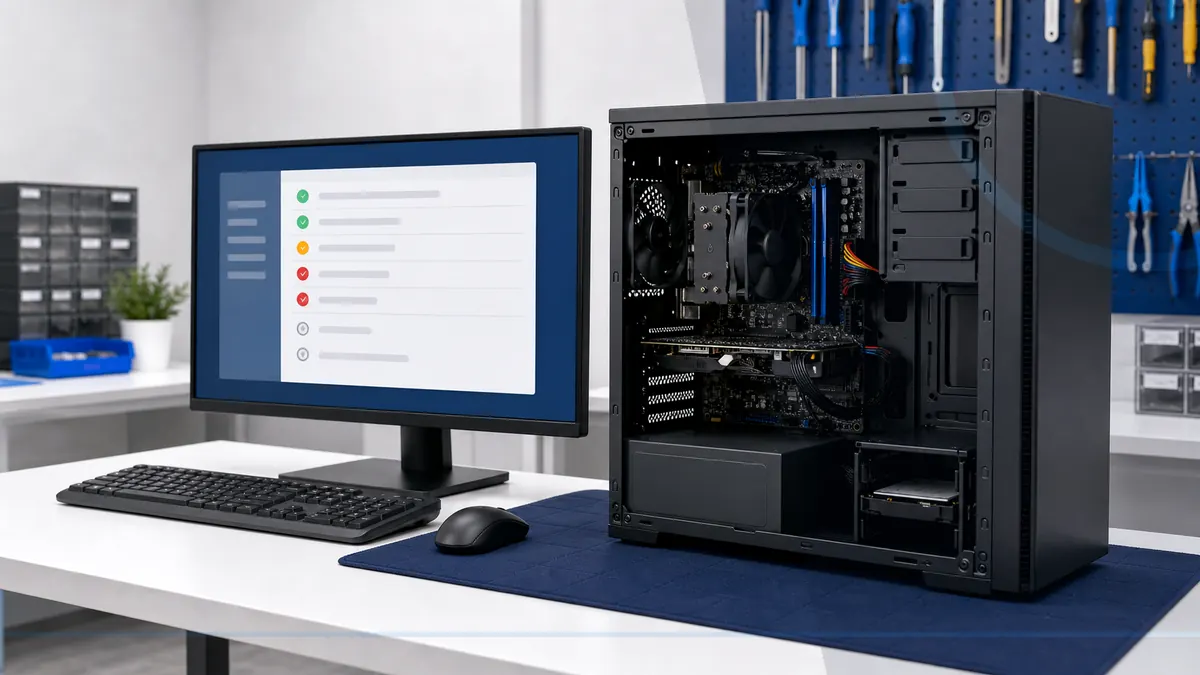
Read the guideRegular reviews can reveal low storage, failed updates, missing protection, backup problems, heat, and aging hardware before several issues collide.
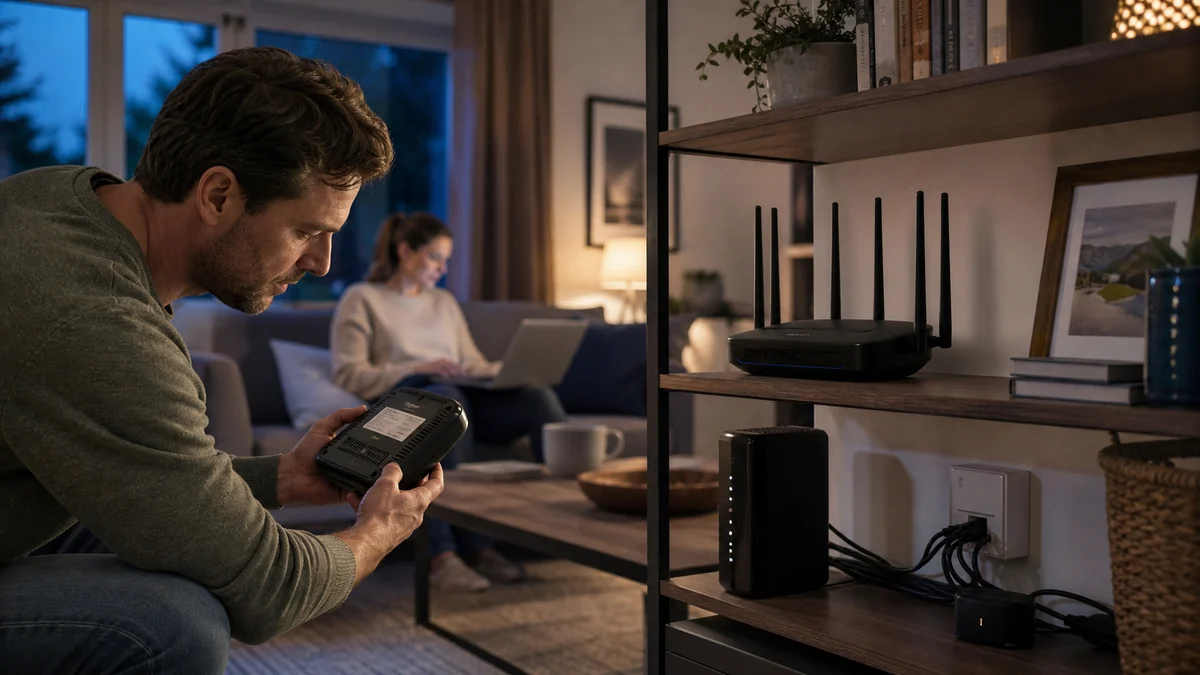
Read the guideA safer home network starts with a supported router, unique administrator access, current firmware, sensible guest access, and secured devices.
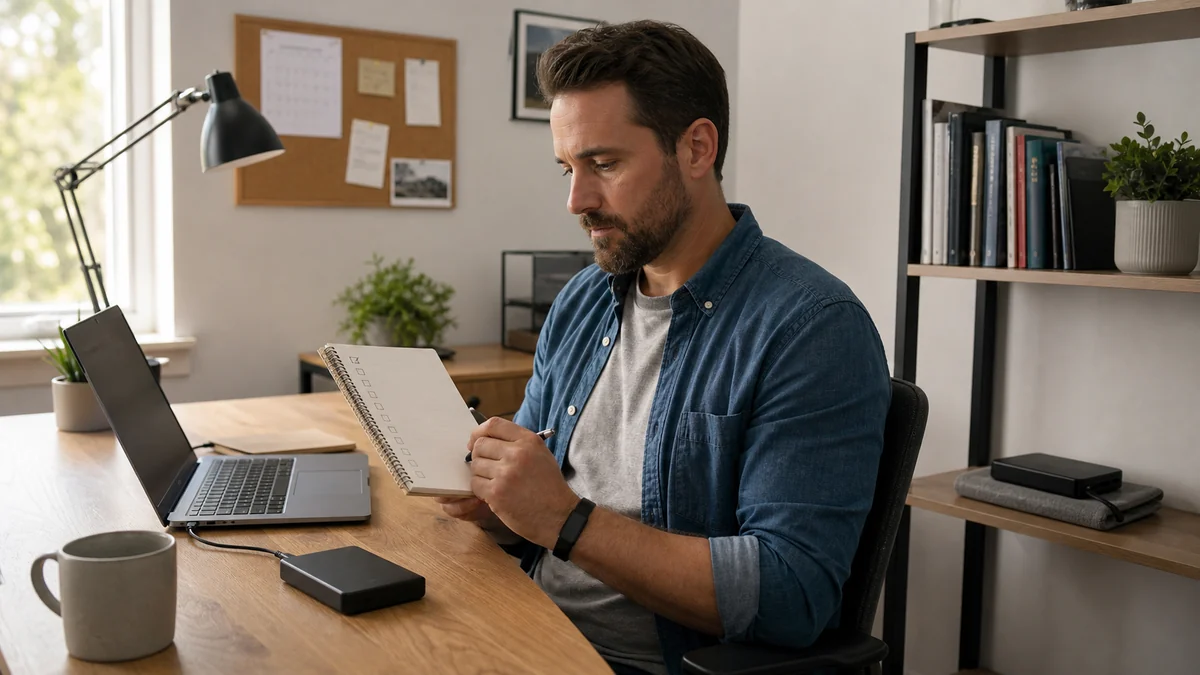
Read the guideRemote workers need backups that protect local work, clarify what the employer already covers, and can be restored without waiting for a crisis.
Read the guideCleanup is a good start, but account security, updates, backups, and safer habits determine whether the computer returns to dependable everyday use.
Read the guideAntivirus is one security layer, while managed protection adds update visibility, health monitoring, reporting, alert review, and a support relationship.
Read the guideChildren are more likely to report problems when family rules are simple, calm, and focused on asking for help instead of avoiding punishment.
Read the guideA few repeatable habits can reduce scam risk: pause on urgency, verify through known contacts, protect accounts, and ask before granting access.
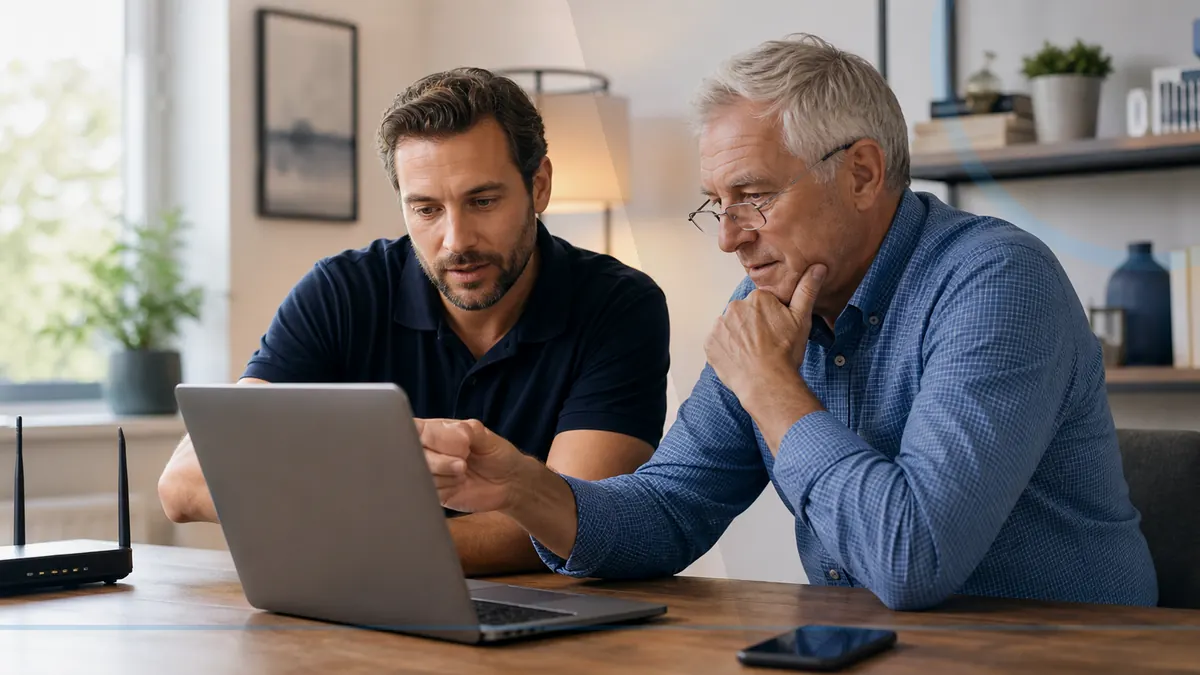
Read the guideThe most useful protection combines calm family communication, safer account settings, updated devices, and a trusted person to call before acting.
Read the guideChoose residential device help, business IT, or call Leon when you are not sure where to begin.