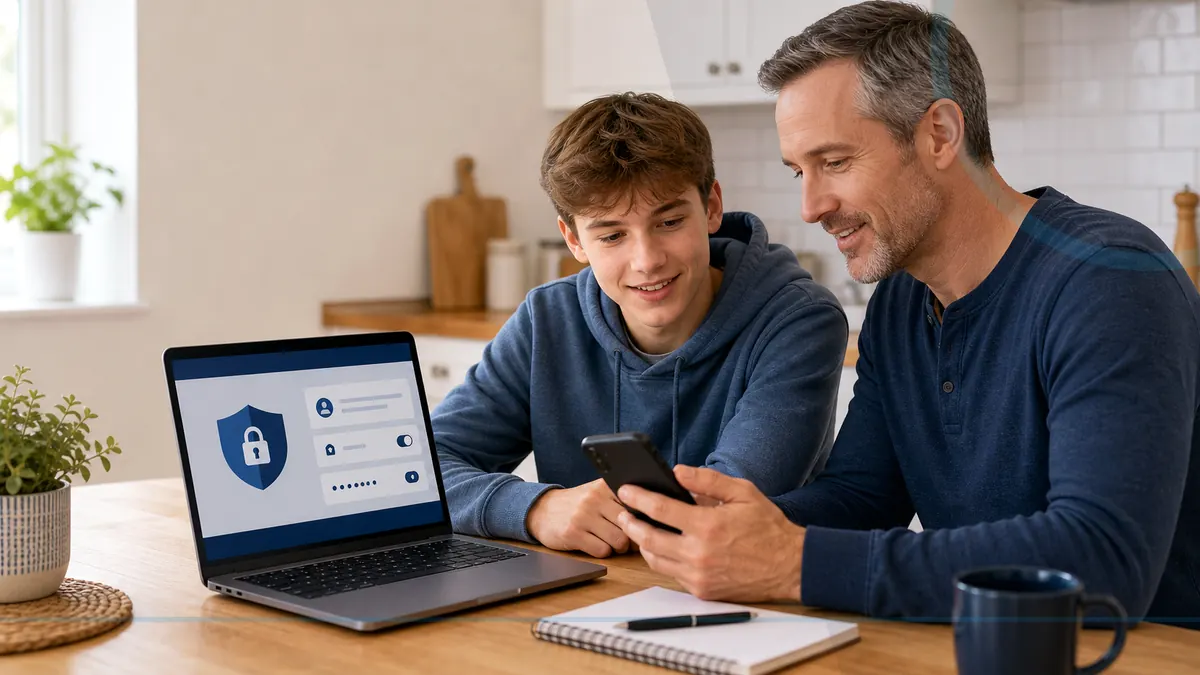
Why Every Family Computer Needs Regular Updates
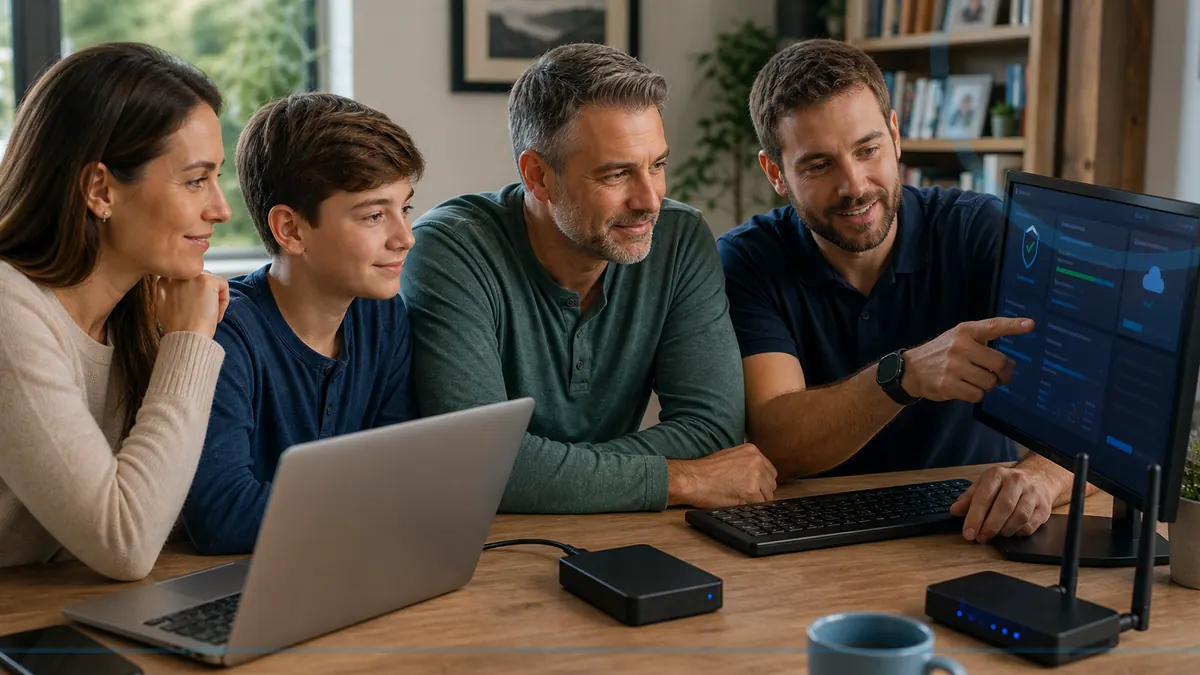
Shared computers collect games, school tools, downloads, browser extensions, and multiple user habits, making regular updates especially important.
Read the guideLocal guidance for safer family computers, seniors, remote workers, home offices, monitoring, and monthly computer care.
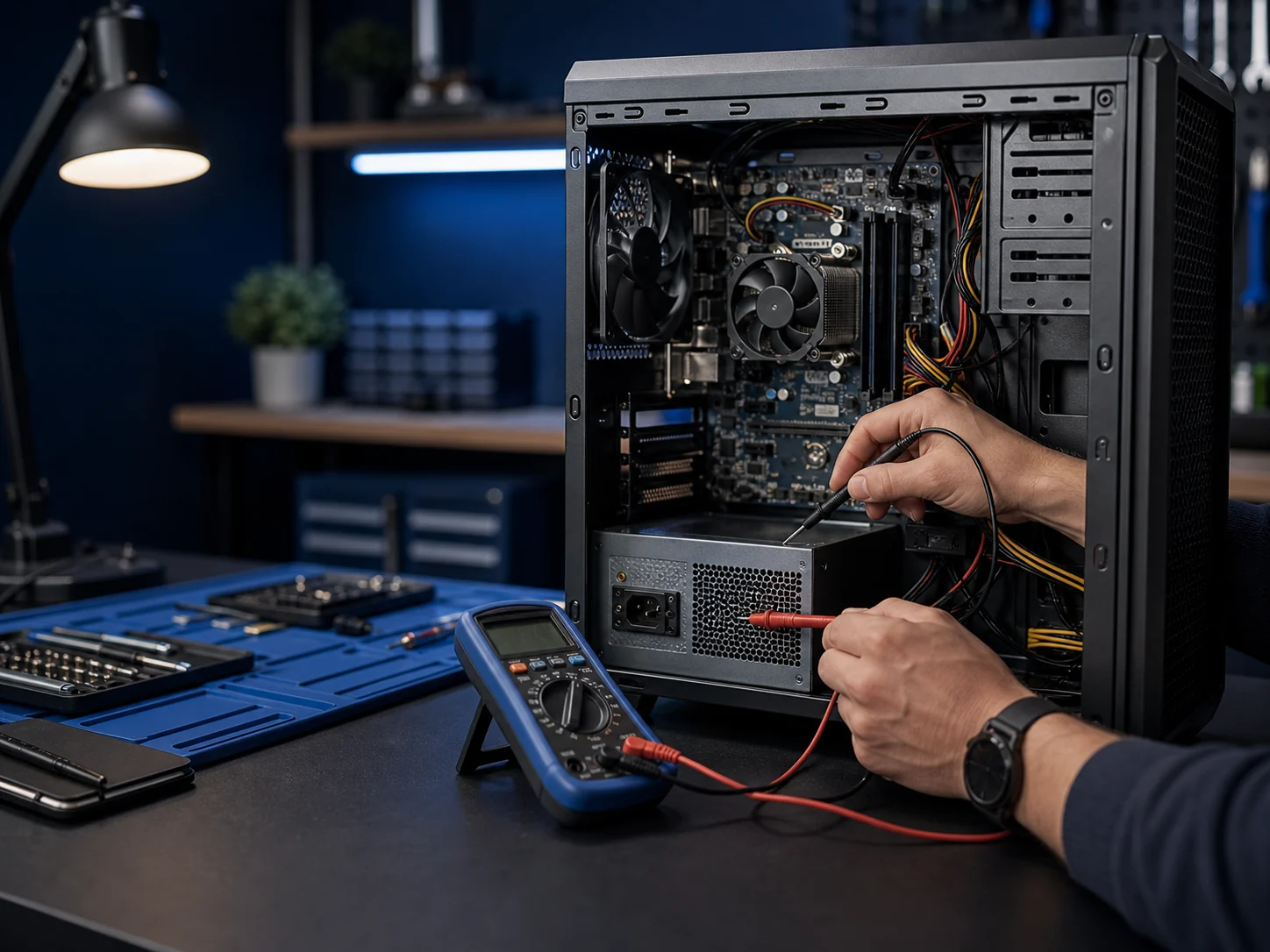
Shared computers collect games, school tools, downloads, browser extensions, and multiple user habits, making regular updates especially important.
Read the guideEndpoint monitoring is a way to check the health and security status of an enrolled computer without reading through the owner's personal files.
Read the guideAntivirus is one protective tool. Managed protection adds ongoing visibility, update checks, alert review, reporting, and a person responsible for follow-up.
Read the guideA secure home office starts with updated computers, protected accounts, reliable backups, a sensible router setup, and a plan for suspicious activity.
Read the guidePassword managers make it realistic to use a different strong password for every account and to share selected credentials without reusing them everywhere.
Read the guideSimple repeatable rules work better than fear: pause on urgent messages, ask before installing, protect passwords, and tell an adult quickly when something feels wrong.
Read the guideChoose residential device help, business IT, or call Leon when you are not sure where to begin.