
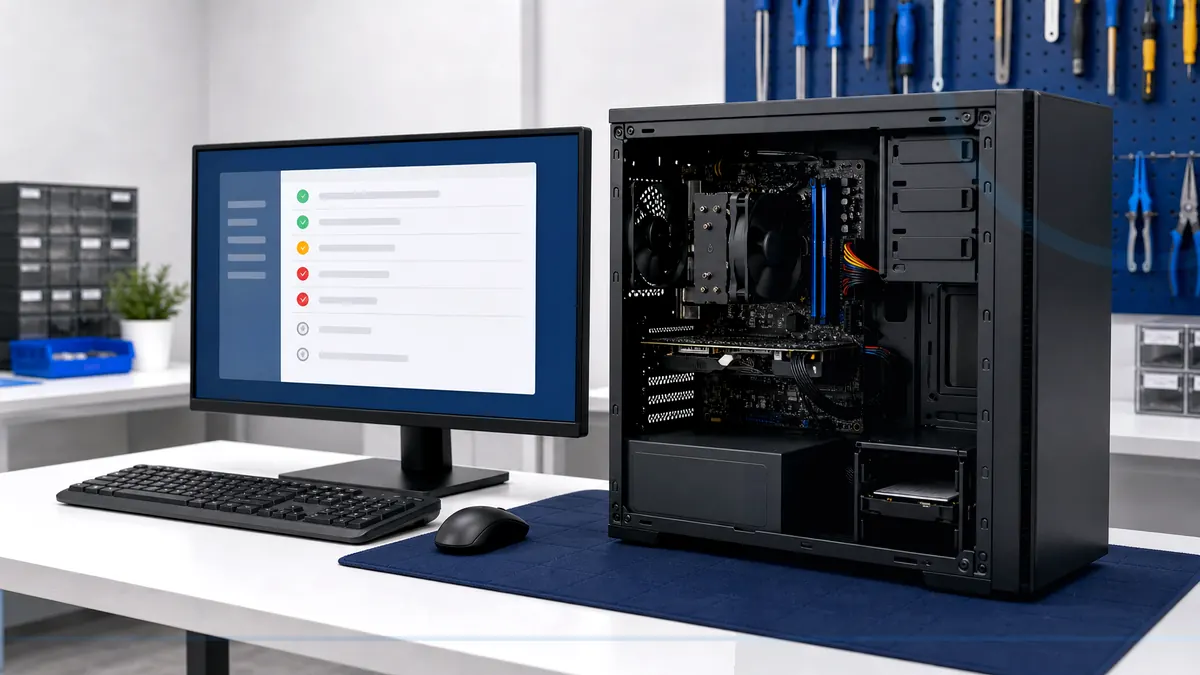
A useful tune-up distinguishes clutter from aging or failing hardware.
A tune-up reviews startup load, storage, updates, unwanted software, security status, heat, and hardware warning signs. It is not a magic cleanup that makes every old computer new.
Tell Leon what changed, the exact model when known, what you already tried, and whether files, accounts, deadlines, or business work are involved. That is enough to choose a useful first step.
What happens before anyone recommends a fix.
The checks change with the service, but the decision should always follow evidence, data risk, and the way the device is actually used.
Review of startup, storage, updates, browsers, and common background software
Basic health checks for heat and storage warnings
Practical recommendations about cleanup, upgrades, or replacement
Tune up, upgrade, or replace?
Maintenance can help a healthy computer weighed down by software or low storage. An SSD or memory upgrade may help compatible systems. Replacement is more honest when unsupported hardware, severe wear, and multiple bottlenecks make incremental work poor value.
Technology help for a county that runs on connected devices.
Salem County has 24,846 households, and 94.7% report having a computer. That makes reliable local diagnosis, setup, recovery, and replacement guidance relevant to nearly every household—not a niche convenience.
A local tune-up can account for the applications, internet connection, printer software, and everyday tasks actually used by Salem County households and home offices.
See the complete service-area guideBring the details that shorten the path to an answer.
- The exact computer model and its correct power adapter
- The error message, recent change, and when the problem appears
- Whether important files are backed up or exist only on this device
- Any deadline tied to school, work, records, photos, or accounts
Keep the next interruption from becoming another emergency.
Ongoing support is optional. It is useful when the device or business needs consistent maintenance, clearer ownership, or a known local contact.
Home Cyber Care after the immediate fix
Home Cyber Care is the ongoing option for customers who want update and health status reviewed regularly after the one-time tune-up.
Explore Home Cyber CareUsing this computer for work?
If several office PCs need repeated tune-ups, managed updates and recurring maintenance may be more efficient than separate reactive visits.
See small business IT supportRelated services and practical guides
Keep an eligible computer protected from $39 per month.
Home Cyber Care adds managed EDR, managed antivirus, 24/7 investigation of EDR detections, update visibility, monthly reporting, and a local support relationship.
Questions people ask about Computer Tune-Up
These answers are specific to this service. Exact availability, repairability, parts, timing, and price still depend on the device and diagnosis.
Pricing depends on diagnostics, device condition, parts, labor, data risk, and scope. Contact Leon with the model and symptoms for the next step.
Include the exact model, symptoms, recent changes or damage, important data concerns, town, and any genuine deadline. Leon will confirm what equipment or accessories should be brought.
No. Maintenance can reduce avoidable load and reveal problems, but it cannot make unsupported, underpowered, or failing hardware perform like a suitable newer computer.
There is no universal schedule. Shared family PCs, gaming systems, and work computers may need more frequent attention than lightly used devices. Updates and backups should be checked routinely.
Upgrades and parts are separate from routine maintenance unless included in the agreed scope. Health checks can help determine whether an SSD, memory, repair, or replacement is sensible.