
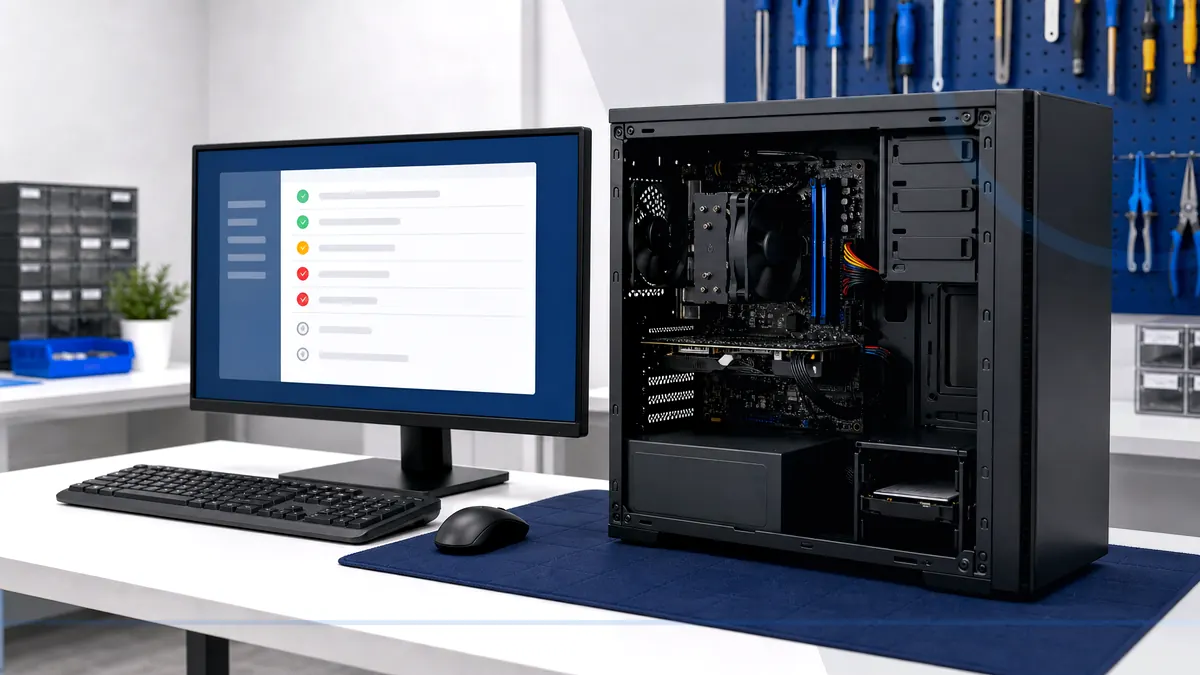
Power, heat, storage, and stability problems leave different clues.
Desktop diagnosis follows the power path, startup behavior, temperatures, storage and memory health, display output, recent upgrades, and the workload that triggers the fault. Towers and all-in-one systems have different access, cooling, and replacement tradeoffs.
Tell Leon what changed, the exact model when known, what you already tried, and whether files, accounts, deadlines, or business work are involved. That is enough to choose a useful first step.
What happens before anyone recommends a fix.
The checks change with the service, but the decision should always follow evidence, data risk, and the way the device is actually used.
Power, cable, display, memory, storage, and temperature checks matched to the symptom
Inspection of internal condition, airflow, connections, and recent component changes
A tested repair, compatible upgrade, data-preserving move, or replacement recommendation
Repair the desktop, upgrade it, or move on?
A desktop is often worth repairing when the platform remains supported and one serviceable component has failed. A targeted SSD, memory, power, or cooling upgrade may extend useful life. Replacement becomes more responsible when the platform is unsupported, several parts are unstable, or the repair does not meet the owner's performance needs.
Technology help for a county that runs on connected devices.
Salem County has 24,846 households, and 94.7% report having a computer. That makes reliable local diagnosis, setup, recovery, and replacement guidance relevant to nearly every household—not a niche convenience.
Salem County customers should bring the tower and power cable; the monitor and peripherals are only needed when they are directly involved in the failure.
See the complete service-area guideBring the details that shorten the path to an answer.
- The exact computer model and its correct power adapter
- The error message, recent change, and when the problem appears
- Whether important files are backed up or exist only on this device
- Any deadline tied to school, work, records, photos, or accounts
Keep the next interruption from becoming another emergency.
Ongoing support is optional. It is useful when the device or business needs consistent maintenance, clearer ownership, or a known local contact.
Home Cyber Care after the immediate fix
After a one-time desktop repair, Home Cyber Care can add update, security-status, and computer-health visibility for supported home systems.
Explore Home Cyber CareUsing this computer for work?
Office desktops benefit from standardized parts, documented users, backups, and lifecycle planning so one repair does not become an isolated mystery.
See small business IT supportRelated services and practical guides
Keep an eligible computer protected from $39 per month.
Home Cyber Care adds managed EDR, managed antivirus, 24/7 investigation of EDR detections, update visibility, monthly reporting, and a local support relationship.
Questions people ask about Desktop Computer Repair
These answers are specific to this service. Exact availability, repairability, parts, timing, and price still depend on the device and diagnosis.
Pricing depends on diagnostics, device condition, parts, labor, data risk, and scope. Contact Leon with the model and symptoms for the next step.
Include the exact model, symptoms, recent changes or damage, important data concerns, town, and any genuine deadline. Leon will confirm what equipment or accessories should be brought.
Bring the tower and its power cable. Bring the monitor, keyboard, mouse, or special adapter only when it is directly involved in the symptom.
Often, when the power supply, motherboard, case, cooling, and operating-system support still fit the goal. Storage, memory, and graphics upgrades should follow compatibility checks.
Possible causes include the monitor or cable, memory, graphics card, power supply, motherboard, display settings, or another component. Testing is needed before ordering parts.