
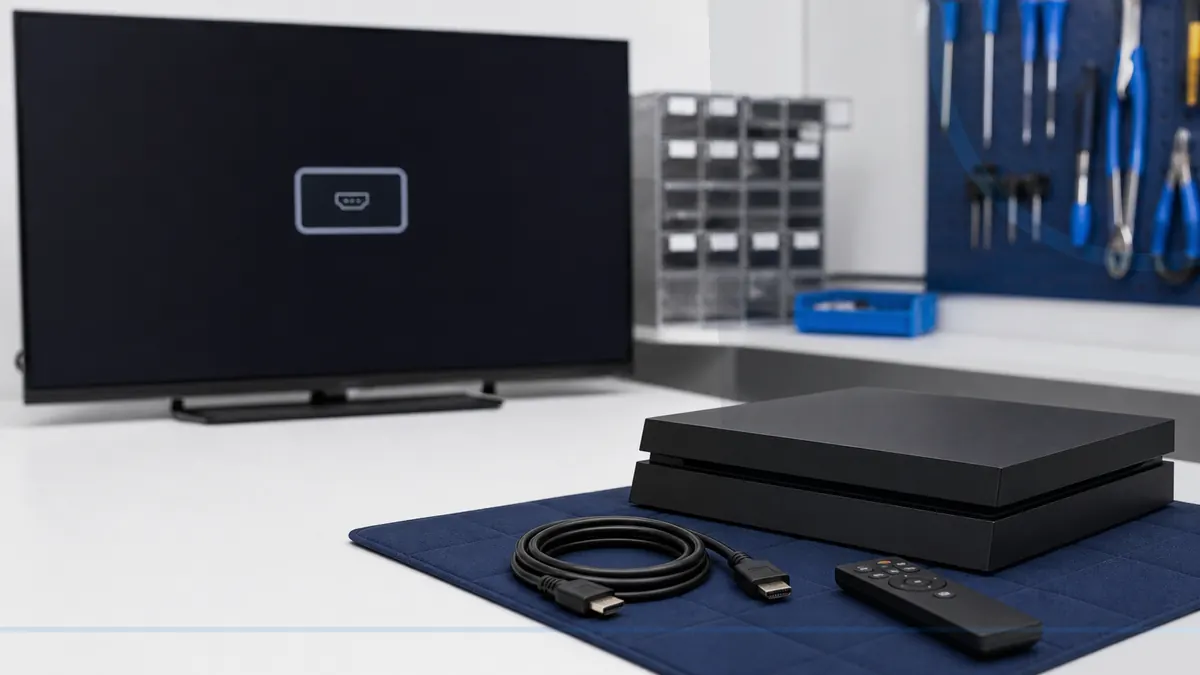
A loose HDMI cable can become board damage when it keeps being forced.
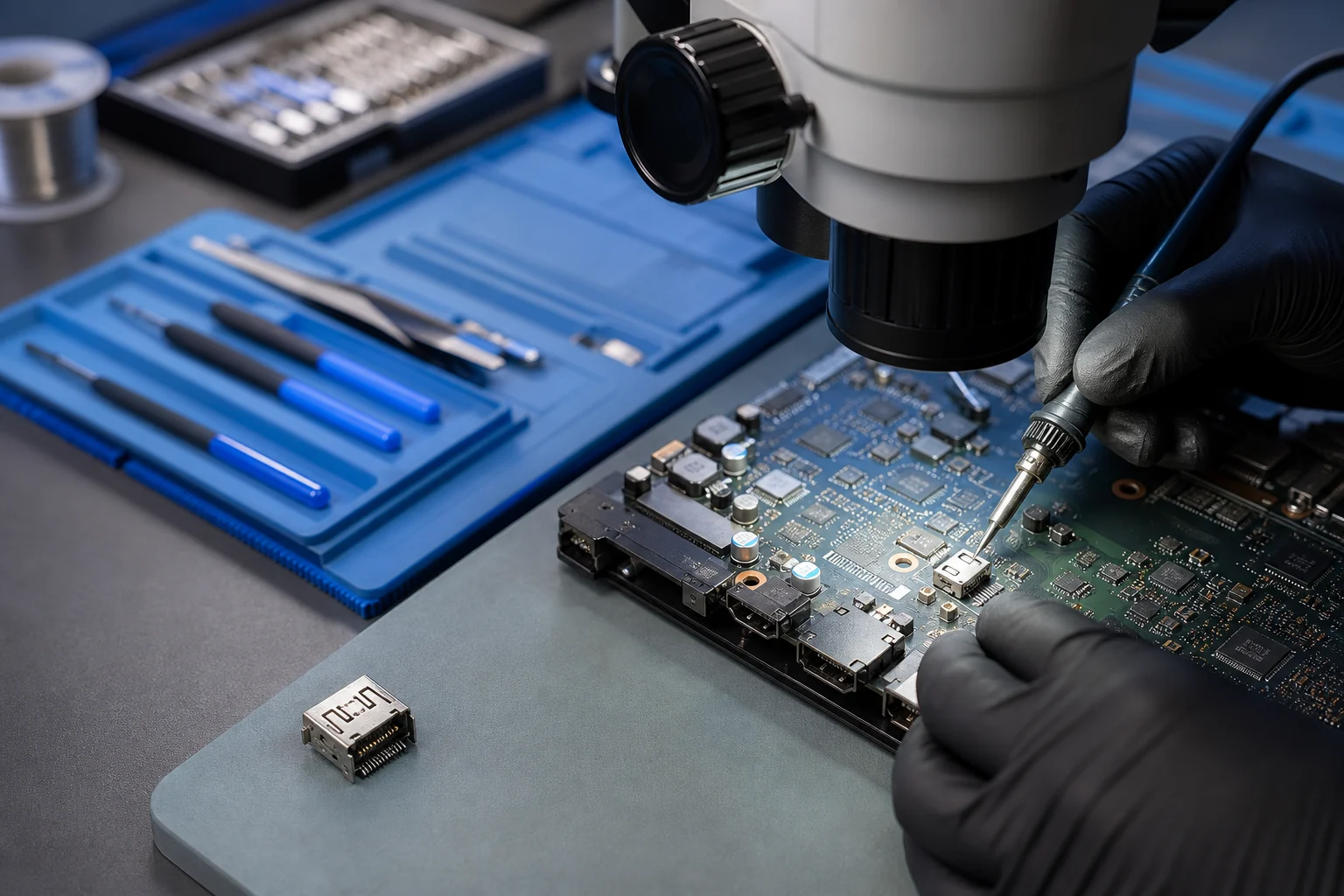
HDMI diagnosis checks the cable and television first, then the physical connector, pins, anchoring, nearby components, and video output behavior. A port replacement may require micro-soldering and careful board-level work.
Tell Leon what changed, the exact model when known, what you already tried, and whether files, accounts, deadlines, or business work are involved. That is enough to choose a useful first step.
$75 HDMI repair, including diagnosis.
If Leon cannot complete the agreed HDMI repair, there is no repair charge. Unrelated faults or extensive board damage are explained before any different work is authorized.
What happens before anyone recommends a fix.
The checks change with the service, but the decision should always follow evidence, data risk, and the way the device is actually used.
Inspection without forcing or repeatedly moving the damaged connector
Confirmation of port and board condition before a repair commitment
Display, cable-fit, heat, and stability testing after completed work
Replace the port or replace the console?
Port replacement may be sensible when the rest of the console is healthy and damage is localized. Replacement or specialist referral may be more practical when impact or liquid has damaged multiple board layers or major components.
Technology help for a county that runs on connected devices.
Local console owners should not have to drive across South Jersey before learning whether a no-signal, heat, charging, or power symptom is actually repairable. Model and symptom screening can happen before the handoff.
Local customers can reduce further damage by powering down the console and stopping cable movement as soon as the connector feels loose or the picture changes with pressure.
See the complete service-area guideBring the details that shorten the path to an answer.
- The exact console model and revision when visible
- The power cable plus HDMI cable, dock, controller, or charger only when relevant
- What the lights, fan, television, or error screen does
- Any drop, cable impact, liquid, overheating, or prior repair history
PlayStation, Xbox, and Nintendo Switch help
Supported work may include PlayStation 5, PlayStation 4, Xbox Series X, Xbox Series S, Xbox One, Nintendo Switch, Switch OLED, and Switch Lite. Exact repair options depend on the model, condition, parts, tools, and diagnosis.
Leon’s Computer Shop is an independent repair provider and does not claim official authorization from Sony, Microsoft, or Nintendo.
Stop forcing the cable when the port feels loose
No signal, flickering, a connector that sits crooked, visible bent contacts, or a picture that changes when the cable moves can point to HDMI damage. Repeated wiggling can make a repair larger by stressing the port and nearby board connections.
Where applicable, port replacement requires controlled disassembly, board-level inspection, micro-soldering tools, and testing. A damaged port is sometimes the whole problem, but diagnosis is needed before confirming that no other video circuitry was affected.
Related services and practical guides
Questions people ask about HDMI Port Replacement for Game Consoles
These answers are specific to this service. Exact availability, repairability, parts, timing, and price still depend on the device and diagnosis.
Console HDMI repair is $75 with diagnosis included. If Leon cannot complete the agreed HDMI repair, there is no repair charge. An unrelated fault or extensive board damage requires a different recommendation before work continues.
Include the exact model, symptoms, recent changes or damage, important data concerns, town, and any genuine deadline. Leon will confirm what equipment or accessories should be brought.
Often, but diagnosis must confirm the condition of the port, board pads, traces, filters, and nearby components before repair is approved.
Movement and pressure can worsen bent contacts, loosen the connector, or damage board connections, making a limited repair more complicated.
No. The cable, television input, display settings, video circuitry, or another fault can cause similar symptoms.