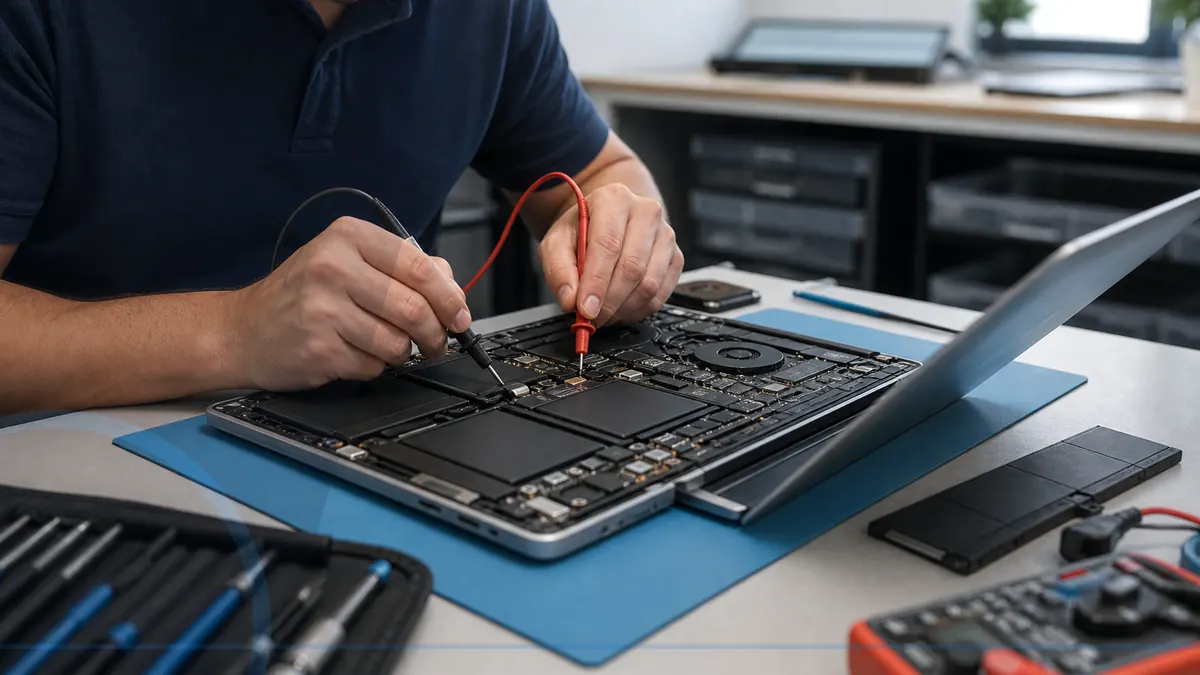
Why Your Laptop Keeps Overheating
Laptop heat can come from blocked vents, dust, failed fans, damaged cooling parts, heavy background work, charging issues, or a workload the design cannot sustain.
Read the guideModel-aware guidance for laptop charging, batteries, screens, heat, hinges, and repair decisions.
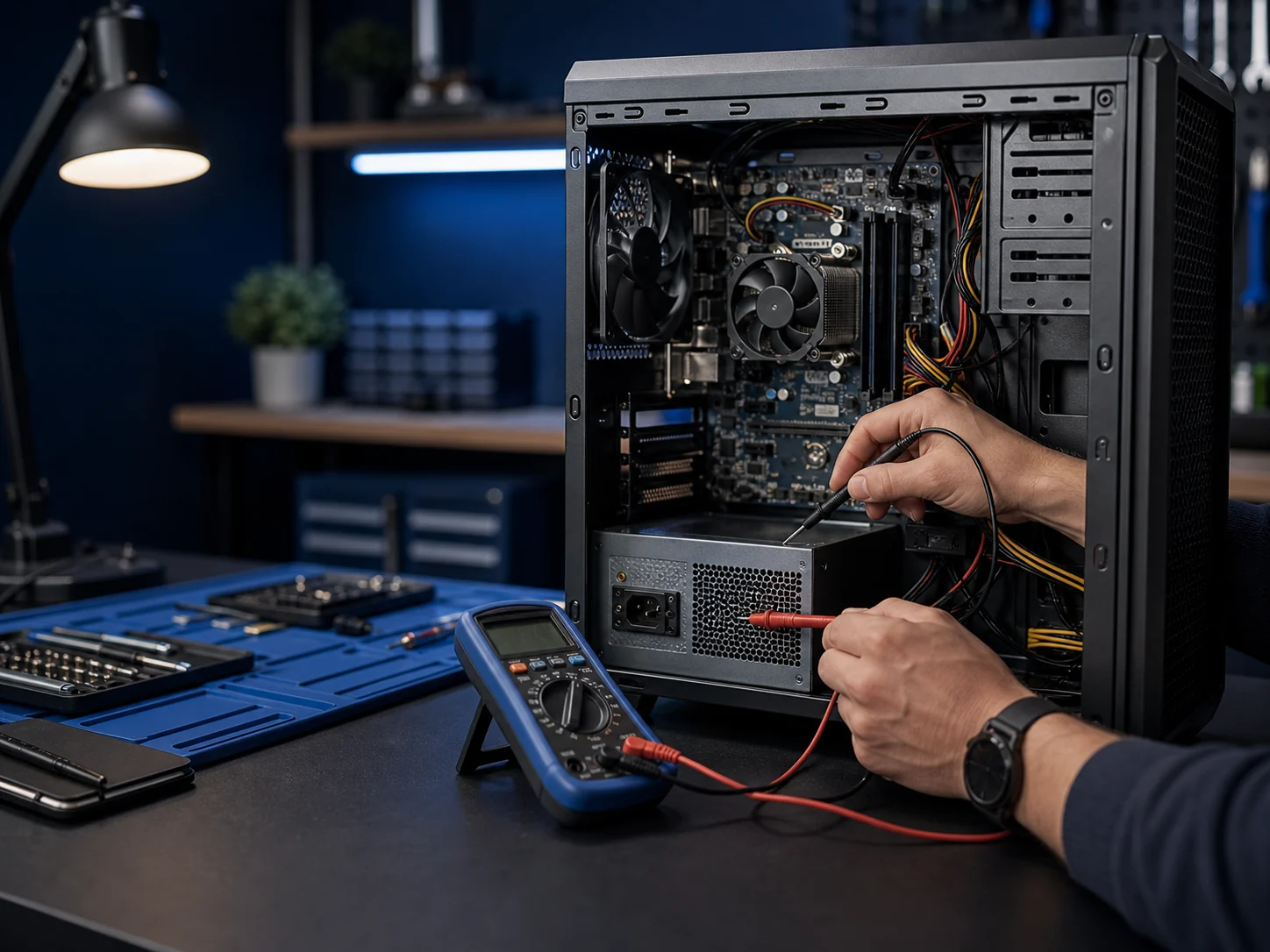
Laptop heat can come from blocked vents, dust, failed fans, damaged cooling parts, heavy background work, charging issues, or a workload the design cannot sustain.
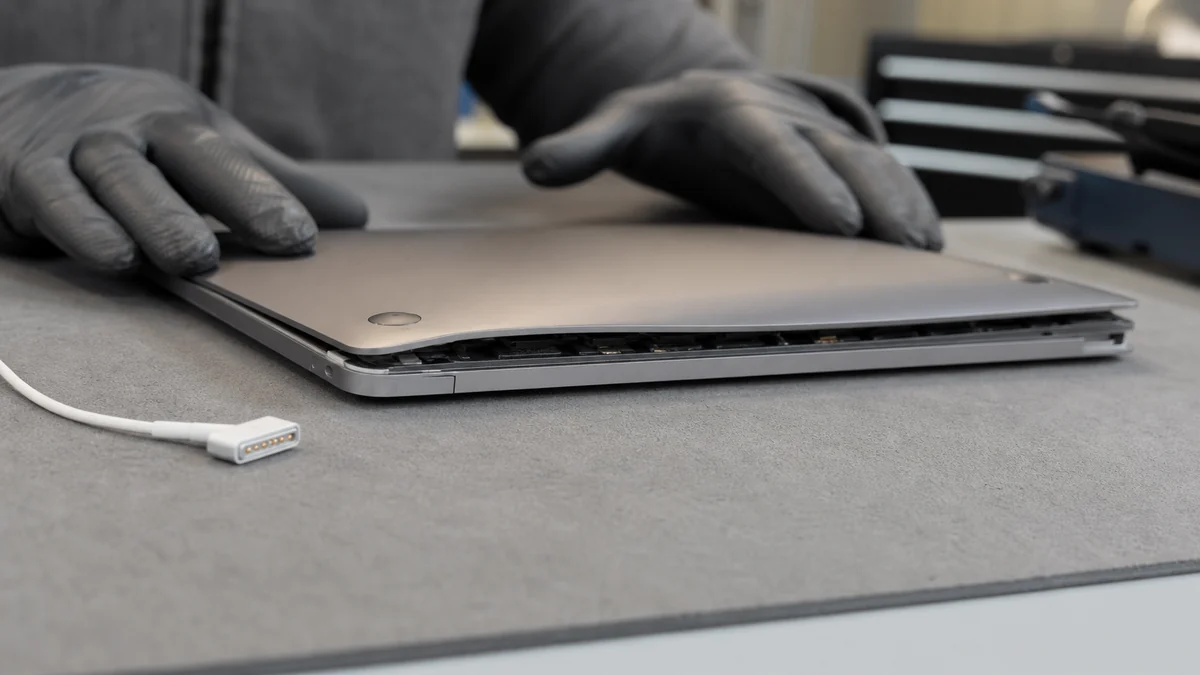
Read the guideA swollen battery may lift the keyboard, trackpad, or case and should be treated as a safety issue rather than a cosmetic inconvenience.
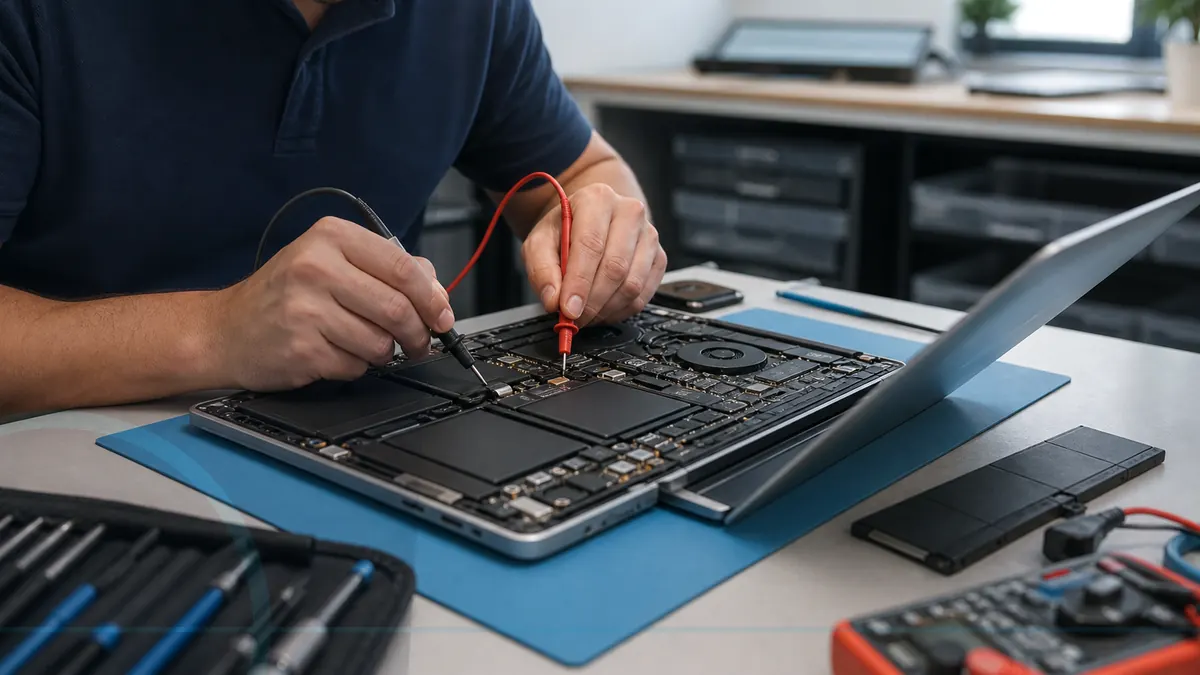
Read the guideUseful laptop repair questions cover diagnosis, data risk, parts, testing, timing, total cost, and whether the machine remains worth owning.
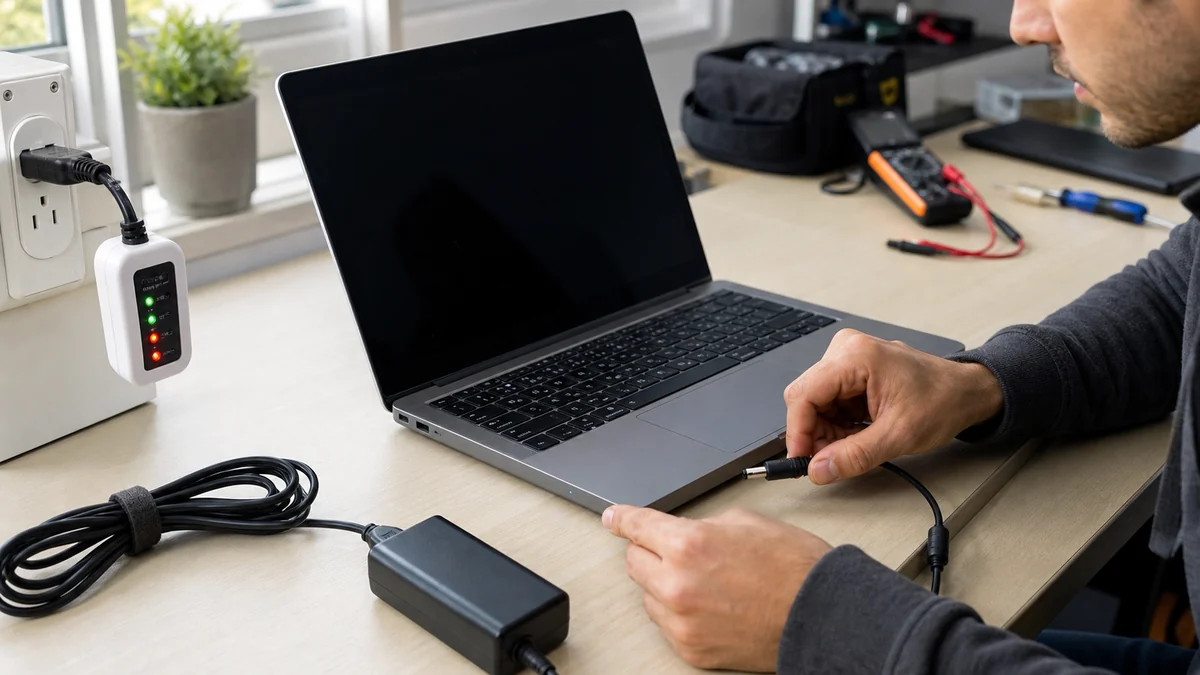
Read the guideThe charger, wall outlet, charging port, battery, internal power circuit, or software can each produce similar symptoms.
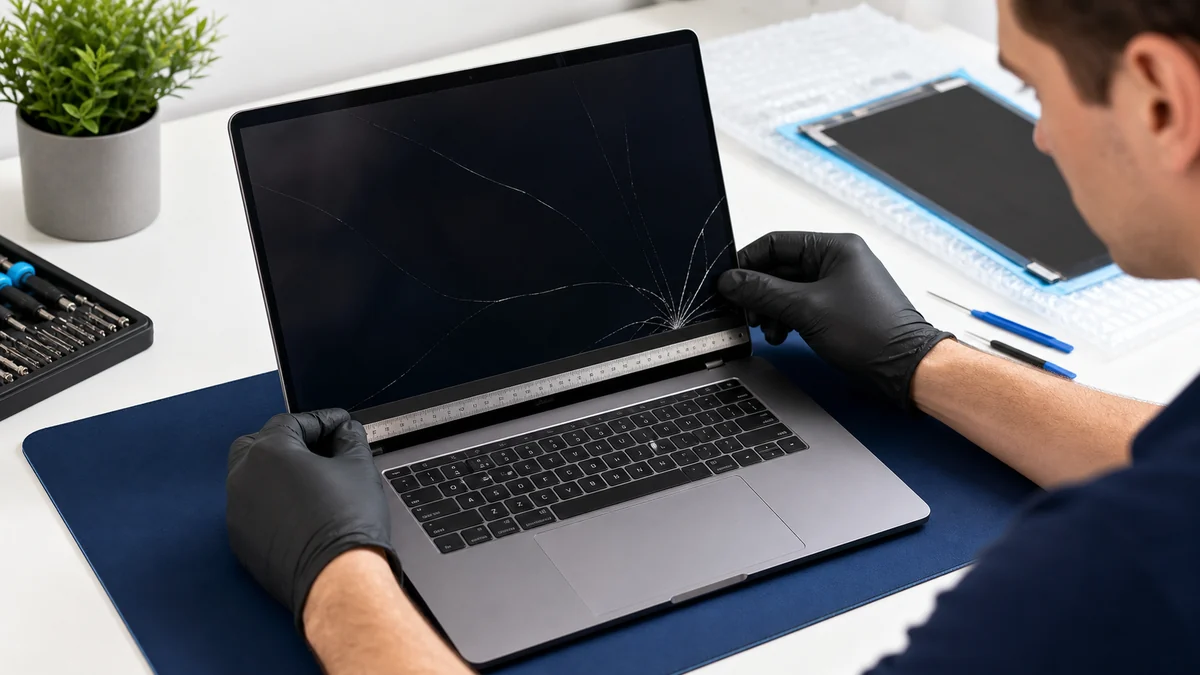
Read the guideA cracked panel is obvious, but a dark or flickering display can also come from a cable, graphics issue, backlight, hinge damage, or motherboard fault.
Read the guideChoose residential device help, business IT, or call Leon when you are not sure where to begin.