
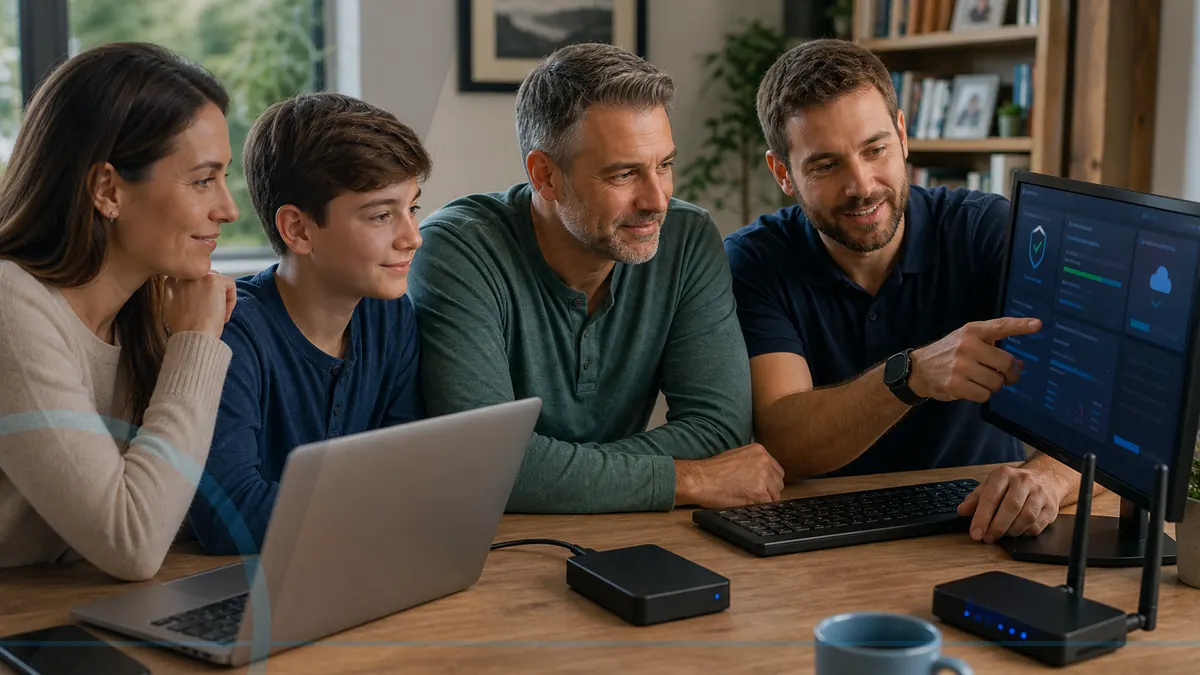
Make computer care a routine—not a reaction.
Home Cyber Care adds managed EDR and antivirus on eligible enrolled computers, 24/7 investigation of EDR detections, update visibility, a plain-English monthly report, and a known local contact.
It is designed for households that want consistency and context. It does not promise that a person will never be tricked, a computer will never fail, or every threat will be detected.
Managed endpoint protection that stays active after the repair is over.
Every Home Cyber Care plan includes managed endpoint detection and response (EDR) and managed antivirus backed by a 24/7 security operations team. Leon remains the local contact who explains what matters and coordinates the appropriate next step.
Detect
The endpoint agent watches for suspicious behavior and security signals that ordinary antivirus may miss.
Investigate
Security analysts review managed EDR detections around the clock to separate meaningful threats from routine noise.
Respond
Confirmed threats can receive supported containment or response actions where the tools, settings, and incident allow.
Follow through locally
Leon helps the customer understand the finding, complete eligible follow-up, and decide whether separate recovery or account work is needed.
Important: 24/7 security-operations monitoring applies to managed EDR detections. It does not turn general technical support into a 24/7 help desk and does not guarantee prevention of every scam, infection, breach, or loss.
What the service can see—and what remains yours.
Enrollment is limited to supported computers and agreed management information. Passwords, personal documents, browsing content, and unrelated devices are not an invitation for general access.
Device status
Whether an enrolled computer is checking in and which supported health, security, or update signals the tools report.
Attention needed
Alerts or patterns that deserve customer action, eligible remote help, hands-on repair, or a separate backup conversation.
Plain-English context
A monthly summary that distinguishes routine status from something the household should address.
Customer control
Enrollment, remote access, included support, cancellation, and tool removal follow the agreed plan and written consent.
Different households need different conversations.
Shared devices and shared rules
Clarify accounts, downloads, family photos, school files, gaming, spending, and who should be called before responding to a warning.
For familiesConfidence before urgency
Create a familiar local contact and an agreed family role so unexpected calls and pop-ups can be paused without embarrassment.
For seniorsKeep work and home risk visible
Consider supported devices, employer rules, multifactor authentication, backups, connectivity, and what happens when work is blocked.
For remote workersMore responsibility than one household PC
Solo professionals may need clearer account ownership, business records, reporting, backup expectations, and support priority.
For home officesChoose the computers you want covered.
Move the slider or choose Home Office. The closest plan appears with its exact included features.
Essential PC Monitoring
Managed protection and consistent status visibility for one supported home computer.
1 computer
- Managed EDR and antivirus for one eligible computer
- 24/7 threat investigation and supported response
- Patch and update visibility
- Monthly health summary
- Discounted eligible remote support
Hardware repair, data recovery, onsite visits, printers, Wi-Fi, phones, and unlimited support are separate unless specifically included in writing.
Family Protection Plan
Managed protection for the computers a household relies on most.
up to 3 computers
- Managed EDR and antivirus for up to three eligible computers
- 24/7 threat investigation and supported response
- Security and update-status checks
- One plain-English family report
- Discounted eligible remote support
Hardware repair, data recovery, onsite visits, printers, Wi-Fi, phones, and unlimited support are separate unless specifically included in writing.
Premium Home IT Care
Broader managed protection plus defined remote-help time and an annual planning review.
up to 5 computers
- Managed EDR and antivirus for up to five eligible computers
- 24/7 threat investigation and supported response
- Security and patch-status visibility
- Monthly report plus priority help
- 30 minutes of eligible remote help monthly plus an annual review
Hardware repair, data recovery, onsite visits, printers, Wi-Fi, phones, and unlimited support are separate unless specifically included in writing.
Home Office Cyber Care
Work-focused managed protection for a supported home office with clearer reporting and response.
starting plan
- Managed EDR and antivirus for agreed eligible computers
- 24/7 threat investigation and supported response
- Monitoring and patch-status visibility
- Priority eligible support
- Security and documentation-friendly monthly reporting
Hardware repair, data recovery, onsite visits, printers, Wi-Fi, phones, and unlimited support are separate unless specifically included in writing.
How to Protect a Home Office Computer
A home office computer needs supported software, secured accounts, reliable backups, sensible separation from household use, and a response plan.
Read the guide
Why Monthly Computer Checkups Can Save Money
Regular reviews can reveal low storage, failed updates, missing protection, backup problems, heat, and aging hardware before several issues collide.
Read the guide
Home Wi-Fi Security Basics for Families
A safer home network starts with a supported router, unique administrator access, current firmware, sensible guest access, and secured devices.
Read the guide
A Practical Backup Plan for Remote Workers
Remote workers need backups that protect local work, clarify what the employer already covers, and can be restored without waiting for a crisis.
Read the guide
What To Do After Malware Has Been Removed
Cleanup is a good start, but account security, updates, backups, and safer habits determine whether the computer returns to dependable everyday use.
Read the guide
Why Cheap Antivirus Is Not the Same as Managed Protection
Antivirus is one security layer, while managed protection adds update visibility, health monitoring, reporting, alert review, and a support relationship.
Read the guideHome Cyber Care questions
It is a monthly service that includes managed endpoint detection and response and managed antivirus on every eligible enrolled computer, 24/7 investigation of EDR detections, update visibility, local review, and plain-English reporting.
Managed antivirus is included, but Home Cyber Care goes further. Managed EDR looks for suspicious endpoint behavior, a security operations team reviews EDR detections around the clock, and supported response actions can help contain confirmed threats.
No. No tool or technician can guarantee that. Monitoring can improve visibility and maintenance, while customers still need safe habits, strong accounts, multifactor authentication, and backups.
Routine management is not casual browsing of personal files. The security tools process device, process, activity, detection, investigation, and response telemetry needed to protect the computer. Any attended remote access is separately authorized and limited to the agreed support purpose.
The computer must be powered on and connected periodically for monitoring and updates to check in. Exact timing depends on the tools and plan.
The managed security operations team reviews EDR detections 24/7 and may perform supported investigation, isolation, containment, or remediation actions when enabled and appropriate. Leon follows up according to the plan and finding. General technical support and non-EDR alerts are not a 24/7 help desk.