
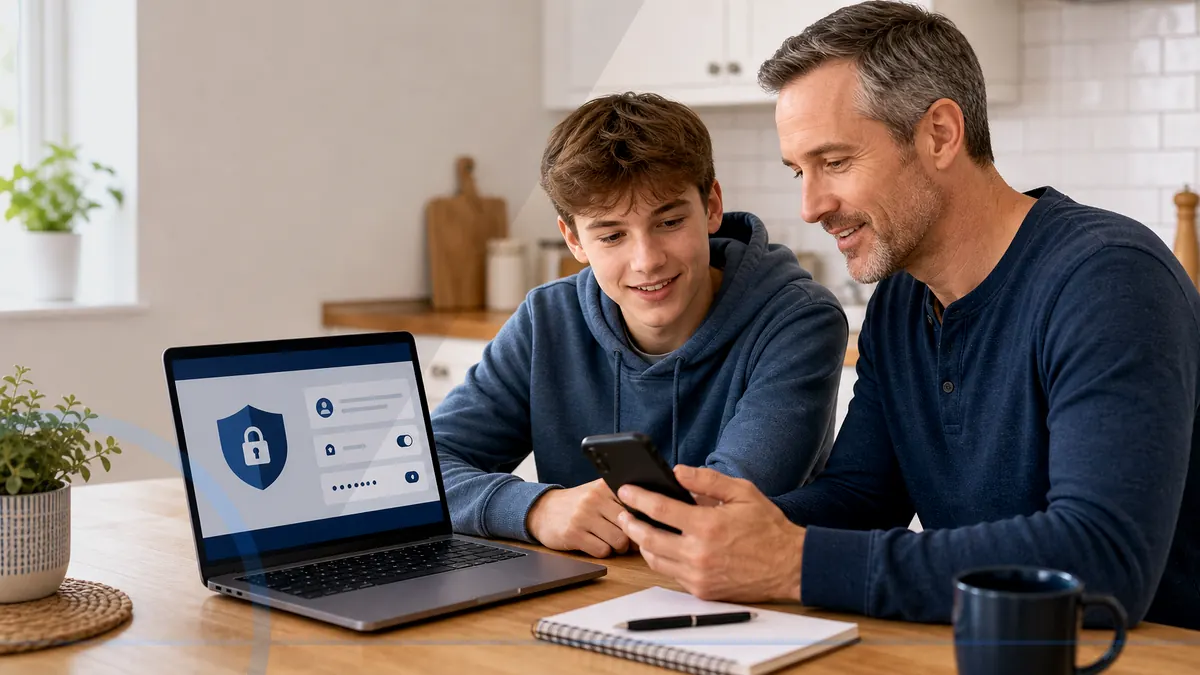
Ongoing computer health and security oversight for shared family devices, gaming PCs, downloads, schoolwork, and everyday online life.
Shared computers need shared expectations
Family technology mixes school accounts, gaming downloads, online shopping, photos, streaming, and sometimes several people using the same Windows profile. The useful first step is to identify which devices hold irreplaceable files, which accounts can spend money, and who should be called before anyone responds to a warning.
Monthly reporting can make supported update, security, and computer-health signals easier to discuss. It is visibility and support, not a promise that every scam, infection, hardware failure, or account incident will be prevented.
A practical family plan
Leon can help a household name the primary user of each computer, choose who receives monthly reports, and decide what should happen when an alert appears. Monitoring can improve visibility, but family conversations and clear account boundaries still do important work.
Tool access, report recipients, remote-session permission, privacy expectations, and cancellation should be documented before enrollment. Unique passwords, multifactor authentication, trustworthy backups, and caution with unexpected requests remain essential.
What the plan may include
- Managed EDR and antivirus for every eligible enrolled computer
- 24/7 investigation of managed EDR detections plus patch-status checks
- Plain-English monthly health reporting
- Basic alert review based on the selected plan
- Remote-help allowances or discounts defined by the plan
Work quoted separately
- Hardware repair, data recovery, and parts
- Onsite visits, networks, printers, and unrelated devices
- Large migrations and new-computer setup
- Incident response, forensics, or compliance consulting
- Work beyond the plan’s stated support allowance
Review before enrolling
Compare plans
Match the number of computers and desired support level to a published plan.
View pricingUnderstand privacy
Read how monitoring, remote access, permissions, and service limits are intended to work.
Read consent termsAsk a direct question
Describe the exact household or office before choosing a plan.
Contact LeonQuestions about Home Cyber Care for Families
It is a monthly service that includes managed endpoint detection and response and managed antivirus on every eligible enrolled computer, 24/7 investigation of EDR detections, update visibility, local review, and plain-English reporting.
Managed antivirus is included, but Home Cyber Care goes further. Managed EDR looks for suspicious endpoint behavior, a security operations team reviews EDR detections around the clock, and supported response actions can help contain confirmed threats.
No. No tool or technician can guarantee that. Monitoring can improve visibility and maintenance, while customers still need safe habits, strong accounts, multifactor authentication, and backups.
Routine management is not casual browsing of personal files. The security tools process device, process, activity, detection, investigation, and response telemetry needed to protect the computer. Any attended remote access is separately authorized and limited to the agreed support purpose.
The computer must be powered on and connected periodically for monitoring and updates to check in. Exact timing depends on the tools and plan.
The managed security operations team reviews EDR detections 24/7 and may perform supported investigation, isolation, containment, or remediation actions when enabled and appropriate. Leon follows up according to the plan and finding. General technical support and non-EDR alerts are not a 24/7 help desk.