
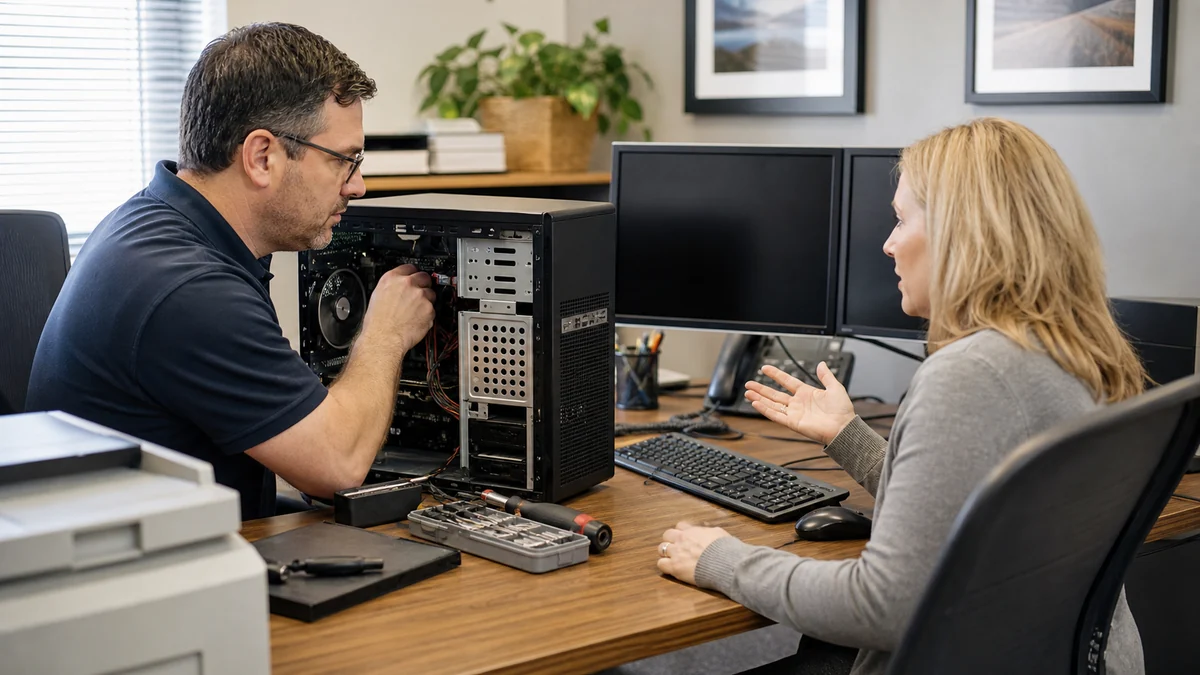
Workstations should support the workflow—not quietly create delays every day.
Business computer support connects the workstation to the workflow: applications, files, email, printers, accounts, vendors, security, backups, and the cost of downtime. Fixing the device without that context can leave the real interruption unresolved.
Tell Leon what changed, the exact model when known, what you already tried, and whether files, accounts, deadlines, or business work are involved. That is enough to choose a useful first step.
What happens before anyone recommends a fix.
The checks change with the service, but the decision should always follow evidence, data risk, and the way the device is actually used.
Review of the affected employee, workstation, applications, data, and business impact
Repair, replacement, migration, vendor, or account actions organized in the right sequence
Documentation of the result and any lifecycle, backup, or recurring-support recommendation
Repair one workstation or improve the whole support process?
A single isolated fault may only need a repair or replacement project. Repeated issues across several computers indicate a need for standards, documentation, update ownership, backup review, and recurring support. The right choice depends on frequency and business impact.
Technology help for a county that runs on connected devices.
Salem County reported 1,137 employer establishments and 3,572 nonemployer establishments in 2023. Small organizations and solo operators need right-sized technology ownership without pretending they all need an enterprise IT department.
Salem County offices can work with one local contact who understands the employee and workflow rather than treating each computer as an unrelated consumer repair.
See the complete service-area guideBring the details that shorten the path to an answer.
- Number of users, computers, locations, and critical applications
- The business impact, deadline, and acceptable downtime
- Known vendors, subscriptions, backups, and administrative account owners
- Any security, insurance, contractual, or compliance requirements already in place
Keep the next interruption from becoming another emergency.
Ongoing support is optional. It is useful when the device or business needs consistent maintenance, clearer ownership, or a known local contact.
Using this computer for work?
Managed support adds workstation standards, monitoring, patch oversight, documentation, and predictable request handling when one-off repairs are no longer enough.
See small business IT supportRelated services and practical guides
Questions people ask about Business Computer Support
These answers are specific to this service. Exact availability, repairability, parts, timing, and price still depend on the device and diagnosis.
Pricing depends on diagnostics, device condition, parts, labor, data risk, and scope. Contact Leon with the model and symptoms for the next step.
Include the exact model, symptoms, recent changes or damage, important data concerns, town, and any genuine deadline. Leon will confirm what equipment or accessories should be brought.
Yes. Service can be scoped for solo professionals and small teams without forcing an enterprise package that does not fit the business.
Yes, when authorized. Vendor coordination can document symptoms and actions, but third-party response times, pricing, and outcomes remain outside Leon's control.
Consider replacement when required software or security updates are unsupported, downtime is recurring, several parts are failing, or repair and setup cost approaches a suitable replacement.