
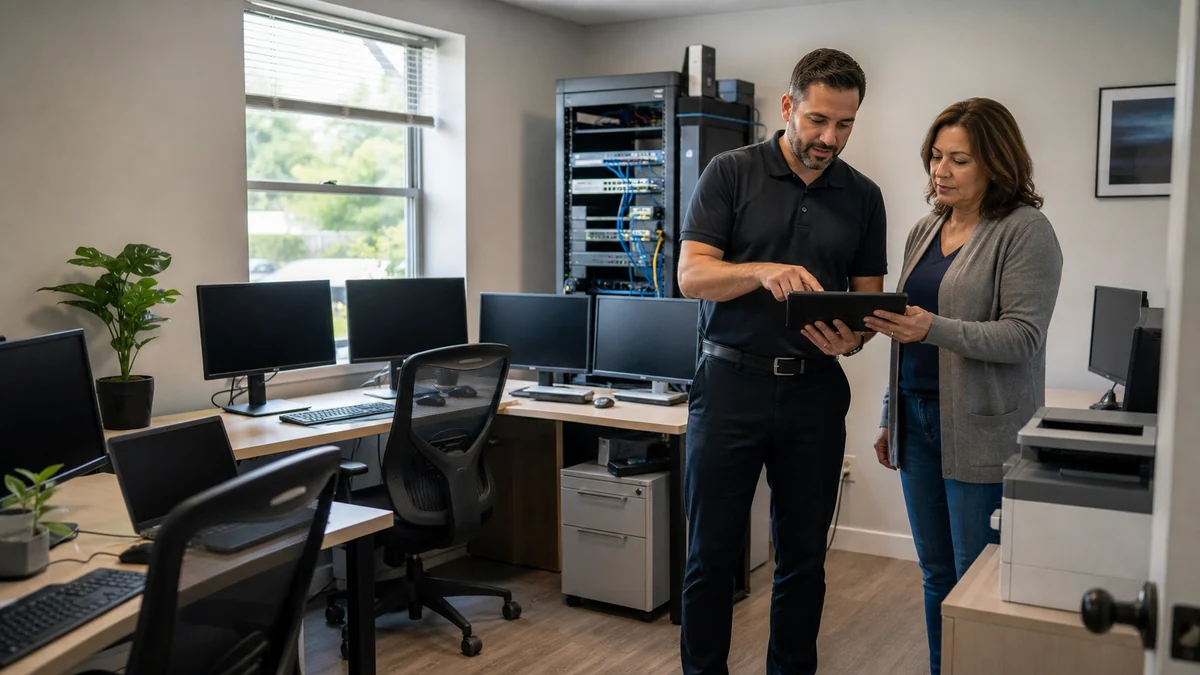
Give every important system an owner before the next interruption.
Small business IT starts with business impact: which systems stop revenue, scheduling, communication, records, or customer service when they fail.
Tell Leon what changed, the exact model when known, what you already tried, and whether files, accounts, deadlines, or business work are involved. That is enough to choose a useful first step.
What happens before anyone recommends a fix.
The checks change with the service, but the decision should always follow evidence, data risk, and the way the device is actually used.
Inventory of users, devices, applications, vendors, backups, and priorities
A practical list of immediate risks and manageable improvements
Clear distinction between included support, projects, third-party costs, and emergencies
One-time project or ongoing support?
A one-time project may be enough for a new workstation, migration, or defined repair. Ongoing support is more useful when several devices need consistent updates, monitoring, backup review, documentation, onboarding, and a predictable way to request help.
Technology help for a county that runs on connected devices.
Salem County reported 1,137 employer establishments and 3,572 nonemployer establishments in 2023. Small organizations and solo operators need right-sized technology ownership without pretending they all need an enterprise IT department.
Salem County small businesses can work with a nearby technician who understands the office context and can coordinate with internet, software, printer, and other vendors.
See the complete service-area guideBring the details that shorten the path to an answer.
- Number of users, computers, locations, and critical applications
- The business impact, deadline, and acceptable downtime
- Known vendors, subscriptions, backups, and administrative account owners
- Any security, insurance, contractual, or compliance requirements already in place
Keep the next interruption from becoming another emergency.
Ongoing support is optional. It is useful when the device or business needs consistent maintenance, clearer ownership, or a known local contact.
Using this computer for work?
Managed IT plans add recurring monitoring, patch oversight, documentation, and a defined support relationship when reactive help is no longer enough.
See small business IT supportRelated services and practical guides
Questions people ask about Small Business IT Services
These answers are specific to this service. Exact availability, repairability, parts, timing, and price still depend on the device and diagnosis.
Pricing depends on diagnostics, device condition, parts, labor, data risk, and scope. Contact Leon with the model and symptoms for the next step.
Include the exact model, symptoms, recent changes or damage, important data concerns, town, and any genuine deadline. Leon will confirm what equipment or accessories should be brought.
Yes. Support can be scoped for solo professionals and small teams that need practical help with computers, accounts, backups, vendors, and recurring maintenance.
Yes, when authorized. Vendor coordination can help translate symptoms, document actions, and keep ownership clear, but third-party timelines and outcomes cannot be guaranteed.
No automatic certification is implied. Technology support can assist with controls and documentation, while the business and qualified legal or compliance advisers remain responsible for applicable requirements.