Start with the pattern, not a guess
A useful backup plan identifies the files that matter, keeps an independent copy, and verifies that representative files can actually be restored. Synchronization alone may also copy deletions or damaged files.
Practical checks and decisions
Work from observation to one controlled change at a time. Stop when the next step could risk data, accounts, electrical safety, or additional hardware damage.
Copy and open important files on another device
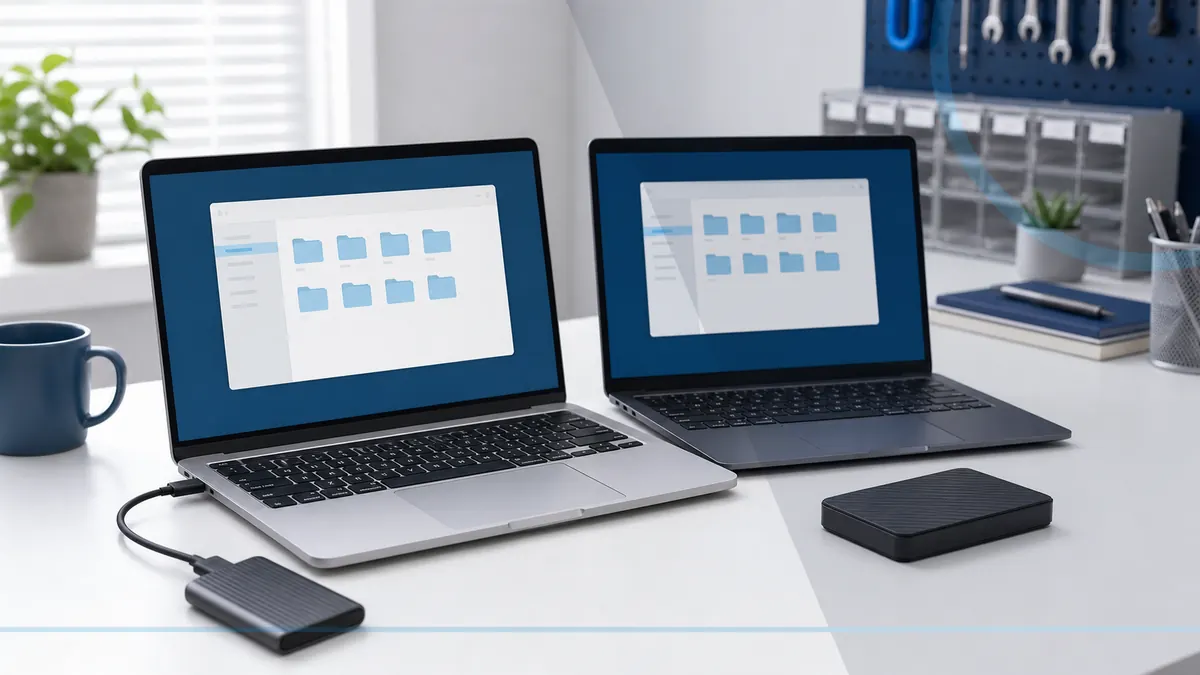
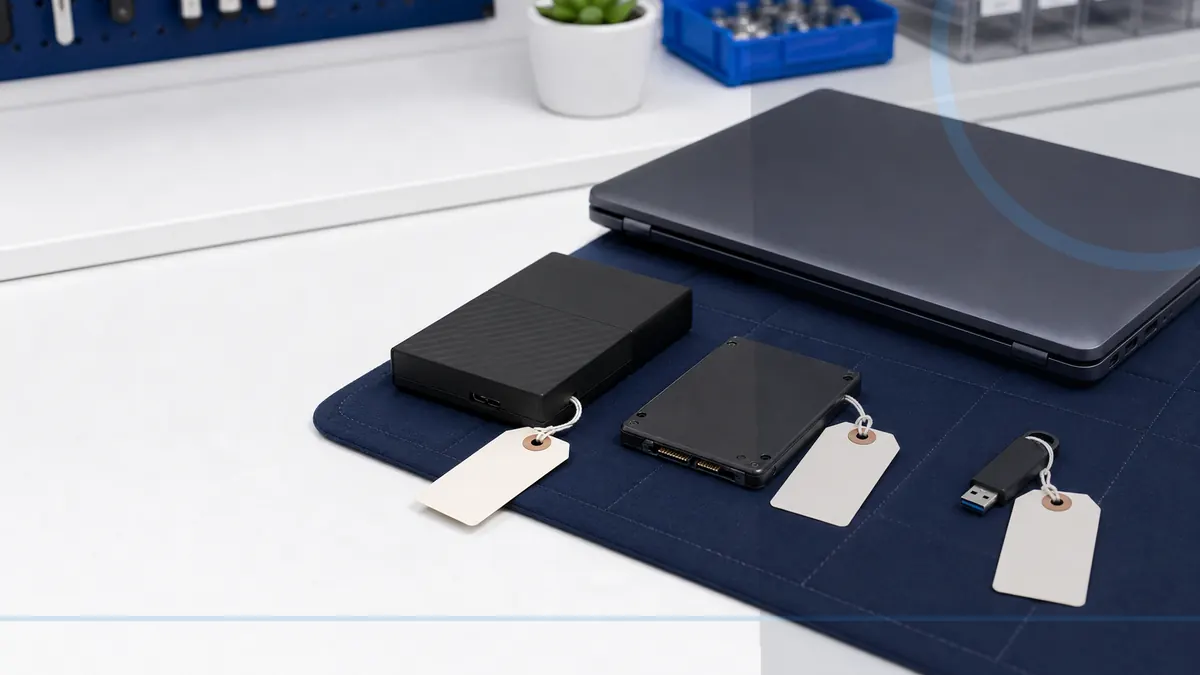
Identify the only original copy before changing storage or starting a transfer. When the source is stable, create an independent copy and keep the original untouched until verification is complete.
Remove personal accounts, licenses, and saved browser information
Compare file counts, recent folders, dates, and the types of data that matter most. Synchronization status alone does not prove that files are complete, readable, or recoverable.
Reset or erase the correct drive using a suitable method
Stop when a drive clicks, scrapes, disappears, reports the wrong capacity, or repeatedly disconnects. Formatting, initialization, repair utilities, and repeated power cycles can reduce recovery options.
Confirm the buyer receives no passwords or private recovery details
Finish with a restore test: open representative files from the destination or backup and confirm folder structure. Do not erase or retire the old device until the new copy has been used successfully.
When a professional diagnosis makes sense
Ask for help before formatting, initializing, repeatedly restarting, or running repair tools against the only copy of important files. The safest path depends on the storage symptoms, prior attempts, and value of the data.
For hands-on or remote help, explore the service options related to this issue, or browse the Help Center for another guide.