What to Do Before Recycling an Old Computer
Before recycling a computer, protect personal data, preserve anything important, remove accounts, and use a reputable electronics recycling option.
Read the guideData-preservation, backup, transfer, drive-health, and recovery guidance before important files are put at greater risk.
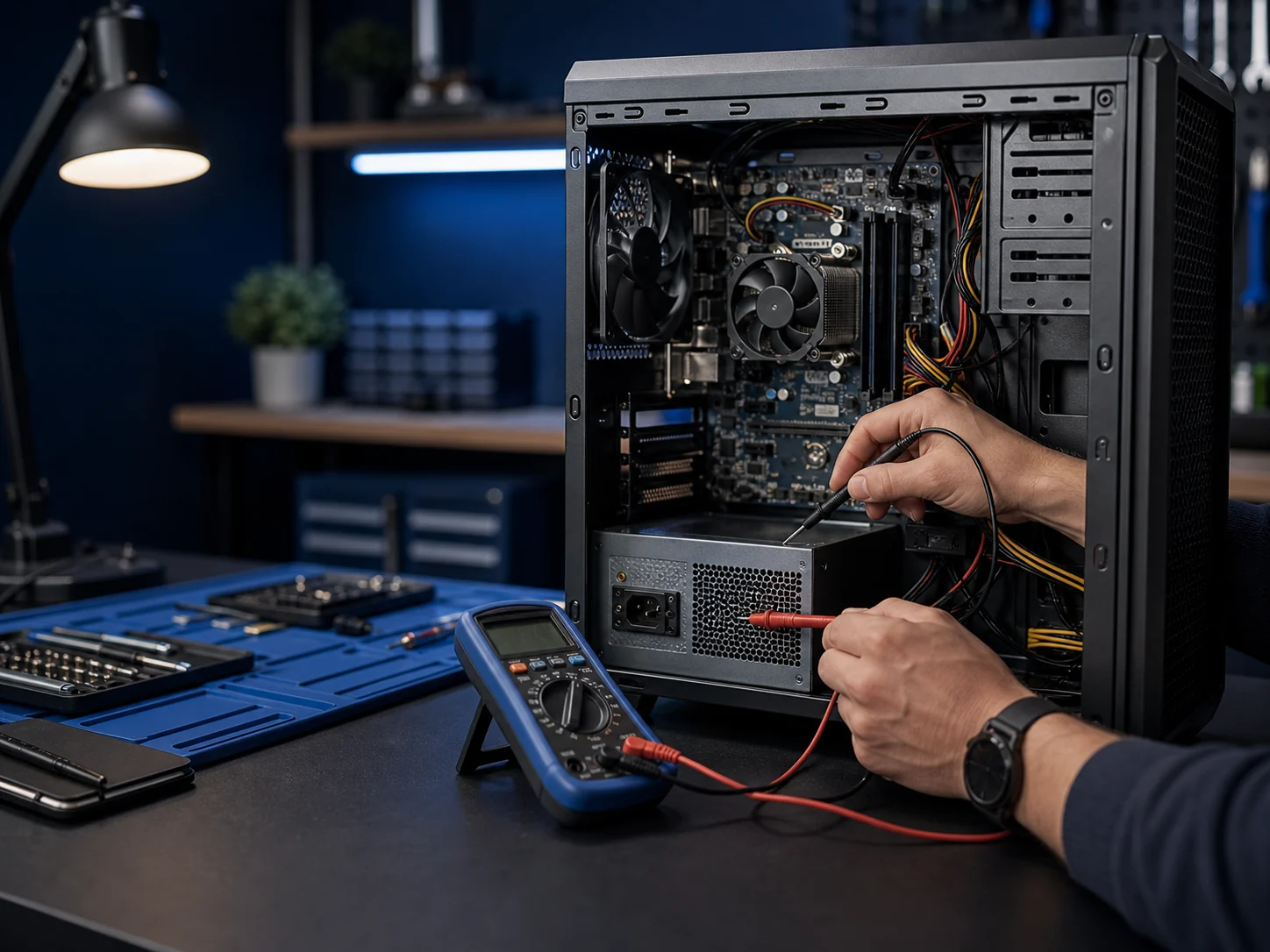
Before recycling a computer, protect personal data, preserve anything important, remove accounts, and use a reputable electronics recycling option.
Read the guideSelling a computer safely requires a verified backup, account removal, secure erasure, a clean operating-system setup, and honest disclosure of condition.
Read the guideCloud and external-drive backups solve different problems, and many households benefit from using both instead of depending on a single copy.
Read the guideGood recovery decisions begin with the affected device, a clear description of the failure, and a prioritized list of the files that matter most.
Read the guideA failing drive may become slow, disappear, report errors, corrupt files, prevent startup, or make unusual mechanical noises.
Read the guideFamily photos deserve more than one copy because phones, computers, cloud accounts, and external drives can all fail or be lost.
Read the guidePlanning accounts, files, applications, passwords, printers, and backups before setup makes the move faster and less stressful.
Read the guideA good transfer copies important data, verifies it, and keeps the old source intact until the new computer and its backup are proven.
Read the guideData recovery is uncertain and can be expensive, while a tested backup turns many drive failures into a replacement and restore job.
Read the guideChoose residential device help, business IT, or call Leon when you are not sure where to begin.