Start with the pattern, not a guess
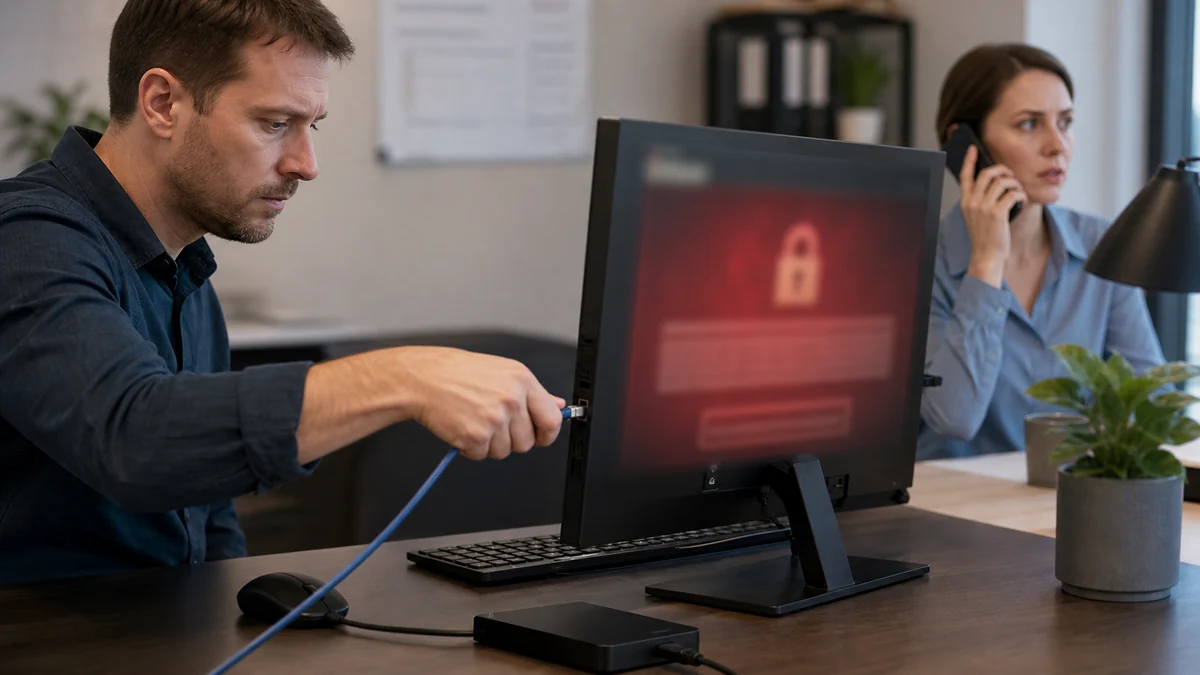
Pop-ups, browser redirects, unwanted programs, account alerts, and remote-access activity require different responses. Avoid calling numbers in warnings or installing another unknown cleanup tool.
Practical checks and decisions
Work from observation to one controlled change at a time. Stop when the next step could risk data, accounts, electrical safety, or additional hardware damage.
Change the password from a trusted device
End the contact and do not use a phone number, link, download, or payment instruction supplied by the warning. Preserve the message, number, receipt, software name, and order of events.
Review recovery information, sessions, and forwarding rules
From a separate trusted device, protect email and financial access first. Contact banks and account providers through independently verified channels and change only credentials that may have been exposed.
Enable multifactor authentication
Disconnect unexpected remote access and do not continue arguing with the caller. Record whether the person saw the screen, installed software, opened accounts, received a code, or obtained payment information.
Warn contacts when malicious messages were sent
Review active sessions, forwarding rules, recovery methods, installed remote tools, and unfamiliar transactions. The response should match the access that actually occurred, not the scammer’s claims.
When a professional diagnosis makes sense
Get help promptly when money, passwords, email, remote access, or unfamiliar account activity may be involved. Preserve a timeline, end contact with the suspected scammer, and make urgent account changes from a separate trusted device.
For hands-on or remote help, explore the service options related to this issue, or browse the Help Center for another guide.