What to Do If You Think You Were Scammed
The right response depends on whether you clicked, paid, shared a password, installed remote software, or gave someone control of the computer.
Read the guideCalm response guidance for pop-ups, malware, suspicious links, exposed accounts, fake support calls, and remote-access scams.

The right response depends on whether you clicked, paid, shared a password, installed remote software, or gave someone control of the computer.
Read the guideA responsible malware appointment begins with the incident timeline and data risk before moving into cleanup, account guidance, verification, or reinstall decisions.
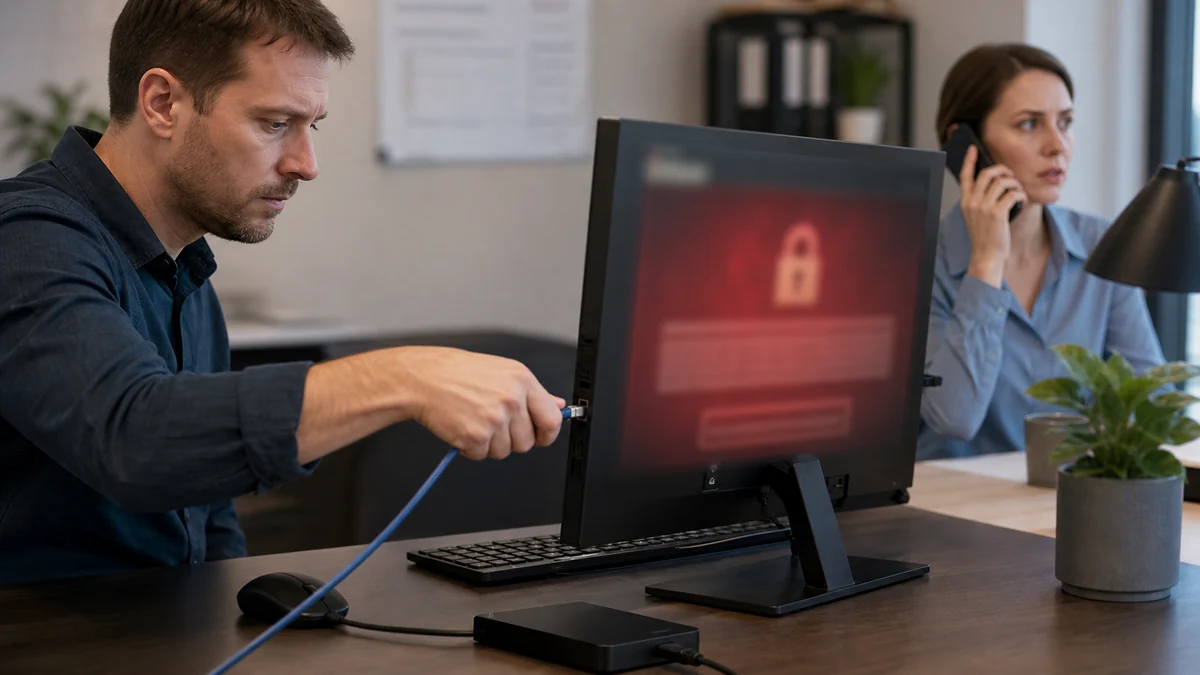
Read the guideSome ransomware warnings are fake browser pop-ups, while real ransomware may encrypt files or disrupt access. The first job is to avoid making the situation worse.
Read the guideRemote-access scams can expose files, saved passwords, email, financial accounts, and installed software, so closing the pop-up is only the beginning.
Read the guideFake support scams use urgent pop-ups, calls, emails, and search ads to convince people that a normal computer warning requires immediate payment or remote access.
Read the guideFake Microsoft support messages rely on urgency, frightening claims, phone numbers, and requests for remote access or payment.
Read the guideRepeated redirects can come from unwanted extensions, notification permissions, changed search settings, adware, or a compromised browser profile.
Read the guideScam pop-ups manufacture urgency, claim impossible knowledge, and push victims to call a number, install software, or pay immediately.
Read the guideA click alone is different from entering a password, downloading a file, approving a login, or giving someone remote control.
Read the guideChoose residential device help, business IT, or call Leon when you are not sure where to begin.