Start with the pattern, not a guess
Console symptoms should be separated into display, power, heat, charging, storage, controller, and physical-damage clues. Try a known-good cable or input when it is safe, but stop if a port is loose, bent, hot, or changes when the cable moves.
Practical checks and decisions
Work from observation to one controlled change at a time. Stop when the next step could risk data, accounts, electrical safety, or additional hardware damage.
Compare the complete repair with the correct replacement model
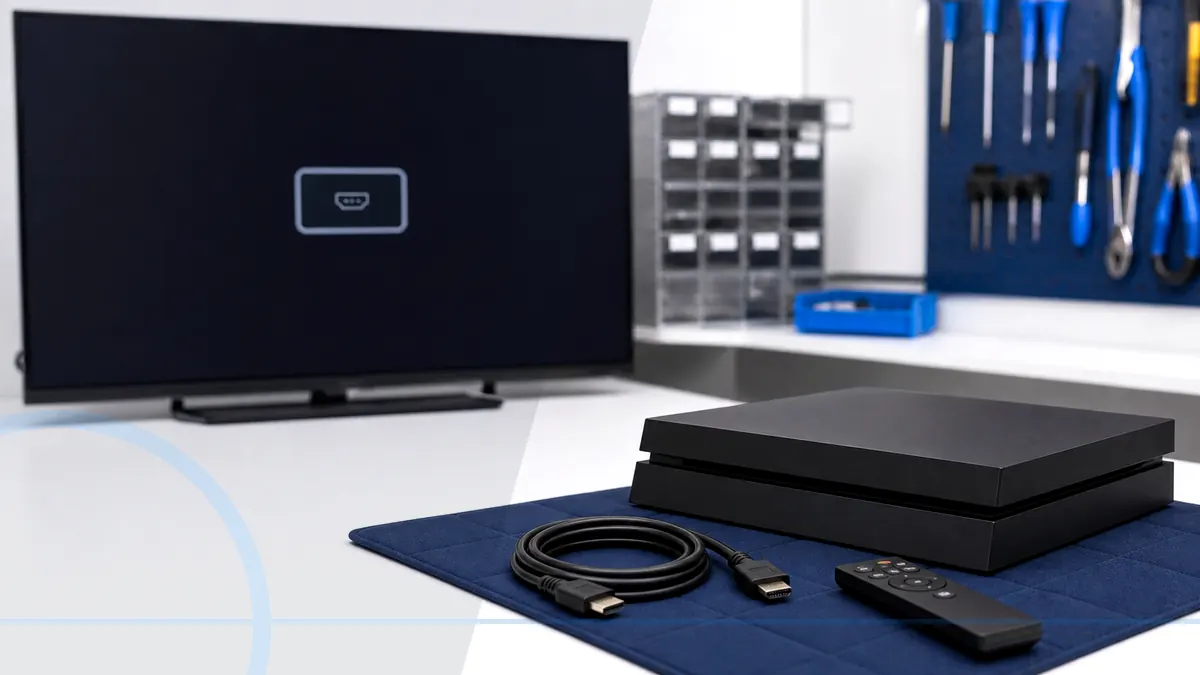
Begin with one known-good cable, the correct display input, and the normal power setup. Record lights, sounds, controller response, charging behavior, and whether the symptom changes after safe-mode or handheld testing.
Consider saved data, account access, accessories, and storage
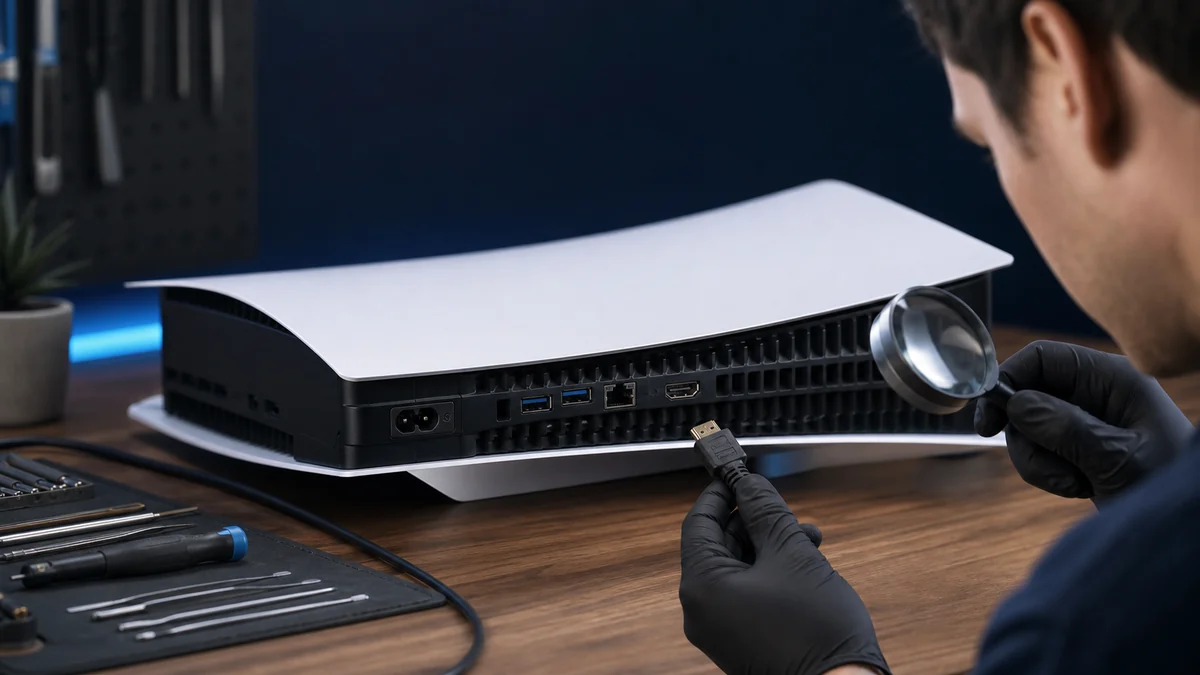
Inspect connectors with the console powered down. A loose, bent, recessed, hot, or impact-damaged port should not be forced, shimmed, glued, or repeatedly moved to recover a temporary connection.
Ask whether the fault is isolated or part of broader board damage
Keep vents open and stop repeated play when there is extreme heat, odor, grinding fan noise, or shutdown. Surface cleaning may help airflow, but internal dust or component faults require hands-on inspection.
Avoid spending heavily when several major systems are unreliable
Confirm the result with the same cable, display, game, dock, or charger long enough to rule out a temporary recovery. Saved data and account access should be discussed before invasive work.
When a professional diagnosis makes sense
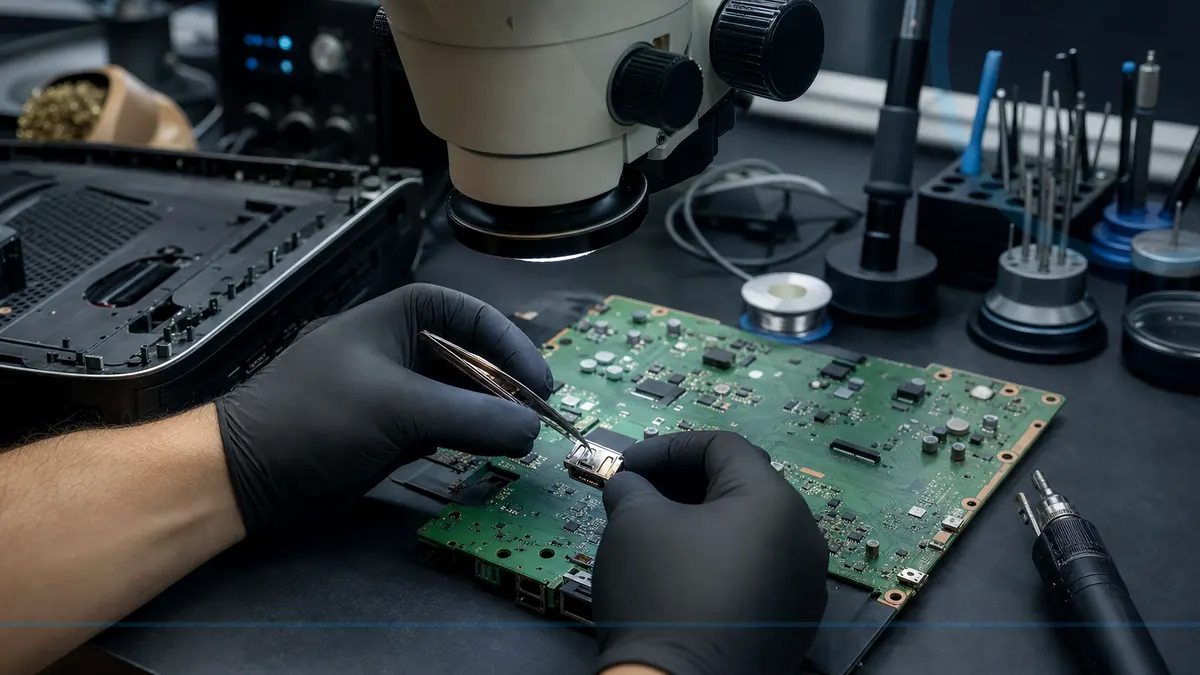
Arrange diagnosis when a port is loose or damaged, the console repeatedly overheats or shuts down, known-good accessories do not change the behavior, or opening the device would require board-level tools. Bring only the accessories connected to the symptom.
For hands-on or remote help, explore the service options related to this issue, or browse the Help Center for another guide.