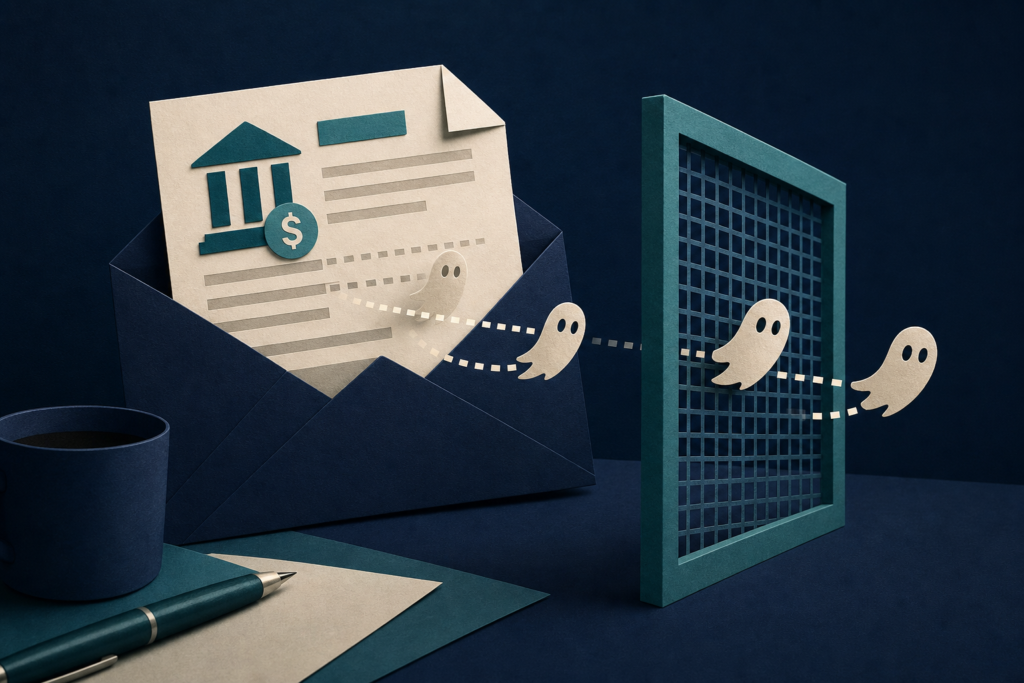
Microsoft researchers found finance-themed phishing emails that split words with invisible characters. The messages looked normal to recipients, while some filters could have trouble matching their wording.
In 60 seconds
- Small-business owners and office staff may encounter unexpected emails about loans, credit lines, or business funding.
- Check the complete sender address and verify the offer through a trusted website or phone number found separately.
- Report the message as phishing, then delete it without replying, clicking, or sharing information.
- A familiar company name, marketing service, or tracking link does not prove an email is safe.
Who should care and what to do today
This matters to small-business owners, bookkeepers, office staff, and anyone who handles business funding or payment requests. These readers may encounter similar emails offering loans, credit lines, or advance payments.
Check the complete sender address, not only the name shown in the inbox. Look at where a link would lead without opening it. If the offer might be real, find the organization’s website or phone number through a separate, trusted source. Do not use contact details or links in the message.
Report the email through your mail service’s normal phishing-reporting option, then delete it. Do not reply or enter information just to test whether the offer is genuine.
What Microsoft observed
Microsoft Security Research says its email telemetry showed a sharp increase in messages matching this technique on February 9, 2026. The high-volume activity continued for about three months, mostly on weekdays, and reached more than two million matching messages on some days.
The messages used disposable sender domains built from finance-related words such as “capital,” “loan,” “funding,” and “business.” Microsoft connected the activity to a broader business-funding phishing campaign. The company says the messages followed patterns often linked with advance-fee fraud or attempts to collect account information.
The hidden characters were not used to give instructions to an artificial intelligence assistant in the messages Microsoft examined. Instead, they were inserted into financial lure words to help evade some text checks. Microsoft calls the broader technique “ASCII smuggling,” which means hiding text with invisible characters. In this campaign, the characters mainly split words rather than hiding a complete secret message.
Why the emails can look normal
The characters came from Unicode, the system computers use to represent letters and symbols. These particular symbols normally do not appear on screen, so a recipient might see the word “funding” as usual even when an invisible character sits inside it.
A filter looking for the uninterrupted word “funding” may fail to match it when the word is split. Other filters may remove or normalize the hidden character first, or use sender, link, reputation, and message-pattern checks instead. Results depend on how each mail system handles the text.
Microsoft says more than 99% of the messages in its telemetry were flagged by protections that did not depend on detecting the tag characters directly. Those protections included sender and domain reputation, link checks, spam analysis, authentication checks, and other systems. That finding applies to Microsoft’s observed telemetry, not to every email provider.
What this does—and does not—mean for you
This report describes a phishing technique, not a confirmed flaw in a particular computer, email account, or software version. The source does not identify an affected product or a general patch for ordinary recipients.
Microsoft says the campaign used infrastructure associated with ActiveCampaign, a legitimate email-marketing service. That connection does not prove a message is safe or fraudulent. Shared services can be abused, so judge the sender, offer, link destination, and requested information together.
If you clicked but did not enter information, close the page and report the message. If you entered a password, change it through the real service’s website and change it anywhere else that used the same password. If you shared bank details or sent money, contact your bank or payment provider promptly.
What defenders can check
Microsoft’s guidance for mail defenders is to normalize invisible characters before applying keyword and message rules. Defenders can also treat unusual characters from the Unicode Tags block as a warning signal, while accounting for legitimate uses such as the flag emojis for England, Scotland, and Wales.
Microsoft also recommends examining the wider pattern: finance-themed sender domains, rotating domains, shared sending infrastructure, and tracking links. A shared platform domain or network address should not be blocked by itself because legitimate customers may use it too.
Many users may not have practical tools to inspect these characters directly. For them, the safer control is independent verification of unexpected financial requests.
Does this affect me?
- Who may be affected
- Small-business owners, office staff, bookkeepers, and anyone receiving unexpected email about business funding, loans, credit lines, or advance payments should care. These readers may encounter similar finance-themed phishing messages.
- How to check
- Read the complete sender address and inspect the link destination without opening it. Verify the offer through a trusted website or phone number found separately.
- What to do
- Report the message as phishing through your email service, then delete it without replying or clicking.
- What to avoid
- Do not assume a familiar company name, marketing platform, tracking link, or normal-looking message proves the offer is genuine.
Common questions
Does an invisible character prove that an email is a scam?
No. Microsoft says some legitimate flag emojis use invisible tag characters, and shared email services carry legitimate mail too. In this campaign, the characters were one signal among the sender, message content, and delivery patterns.
What if the email uses a familiar email-marketing service?
That does not make the message safe or unsafe by itself. Microsoft found that this campaign used infrastructure associated with ActiveCampaign, a legitimate service. Check the sender, offer, link destination, and request together.
What should I do if I entered information on the linked page?
Change any exposed password through the real service’s website, especially anywhere the password was reused. If you shared bank details or sent money, contact your bank or payment provider promptly.
Is this a flaw in my computer or email account?
The Microsoft report describes a phishing technique, not a confirmed flaw in a particular computer, email account, or software version. The immediate risk comes from trusting a deceptive message or link.
Primary source
This article is based on Microsoft Security Research’s post, “ASCII smuggling crosses over from AI prompt injection to phishing evasion,” published September 3, 2026: https://www.microsoft.com/en-us/security/blog/2026/09/03/ascii-smuggling-crosses-over-from-ai-prompt-injection-to-phishing-evasion/. Campaign details and message counts come from Microsoft’s telemetry and research. Read the complete original source.
Get the important updates without the noise
Choose the devices and topics you care about in Cyber Alerts.
Article history: Published Sep 3, 2026 at 1:10 pm EDT. Updates and corrections are noted here when material facts change.