
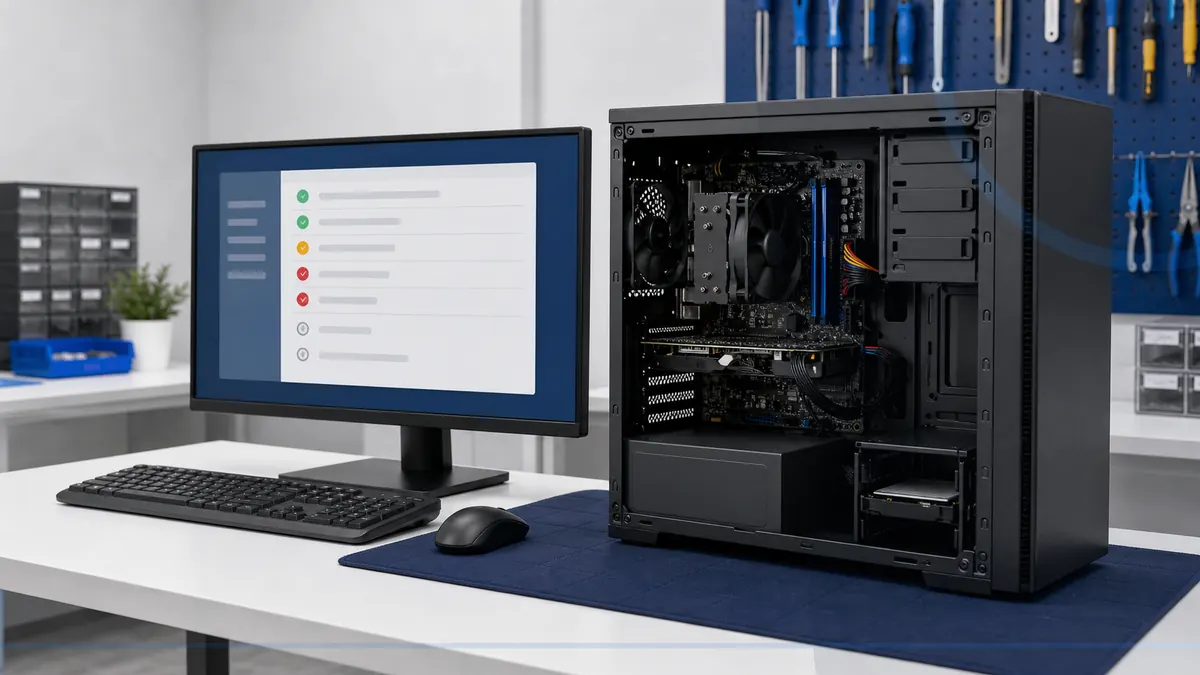
Good repair work is easier to trust when the checkpoints are clear. The exact path varies by device and problem, but authorization and communication should never be mysterious.
From first message to a tested device
Request service
Describe the device, symptoms, recent changes, deadlines, and whether important files or accounts may be involved.
Confirm the handoff
Availability, appointment details, accessories to bring, remote eligibility, and immediate safety concerns are confirmed directly.
Diagnose the cause
Testing separates similar-looking software, hardware, power, storage, heat, account, network, and physical-damage symptoms.
Review the options
Leon explains what is known, remaining uncertainty, parts and labor factors, data risk, and whether repair remains sensible.
Authorize, repair, and test
Work beyond the agreed scope requires authorization. Completed work is reassembled, tested, and discussed before handoff.
What to bring
- The device and its correct power adapter
- Accessories directly related to the symptom
- Photos or notes showing exact errors
- Backup, account, and deadline concerns
- Prior repair attempts or known physical damage
What not to send
- Passwords through ordinary email or text
- Unrelated accessories and personal documents
- A failing drive that has been repeatedly powered on
- A hot, swollen, wet, smoking, or unsafe device without calling first
- Assumptions that diagnosis, parts, or completion will be same-day
After the repair
Confirm the original symptom, open important files, reconnect required accessories, and understand follow-up instructions. A repaired component does not guarantee unrelated aging parts, future software behavior, account security, internet service, or data.
For recurring maintenance and computer-health visibility, review Home Cyber Care. Small offices can review business IT support.